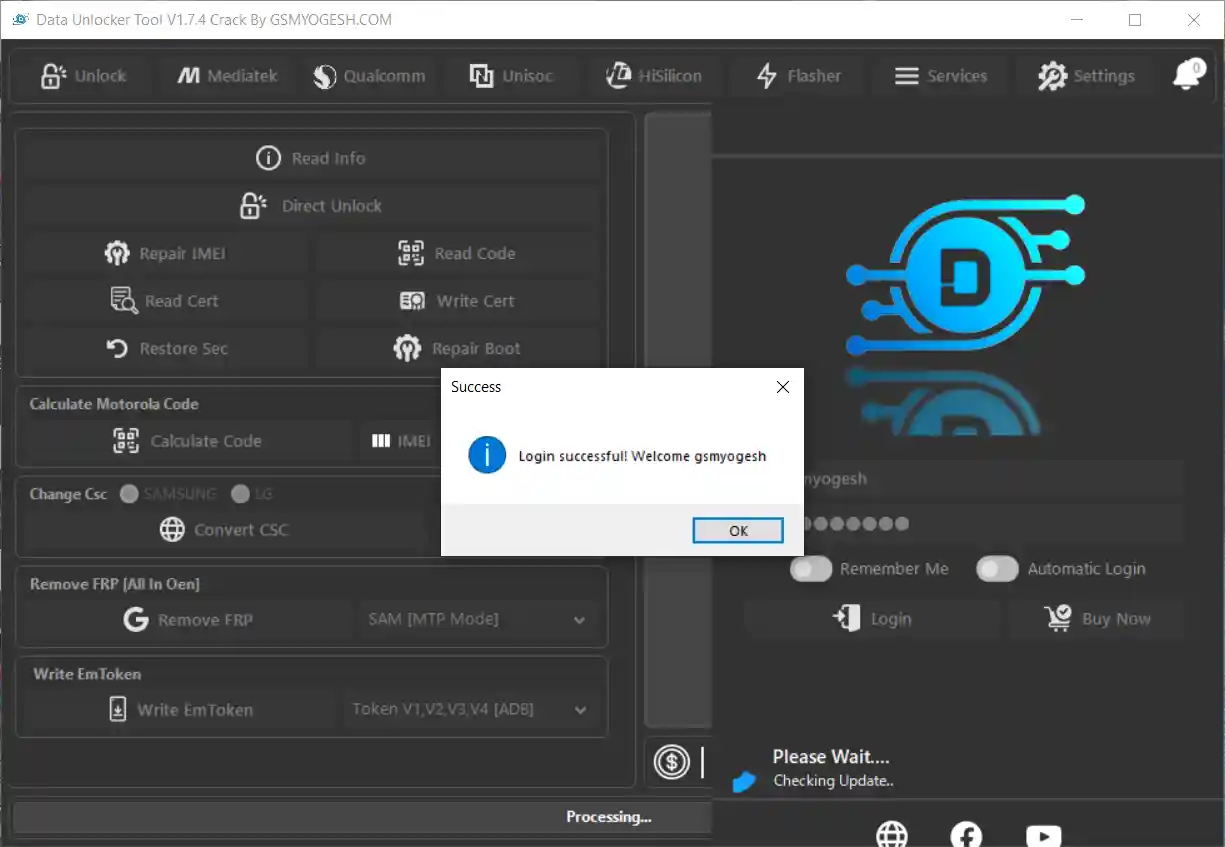
Data Unlocker Tool V1.7.4 is the latest offline release of the multi-brand Android servicing platform originally developed by the Data Unlocker Tool team. The original online server has been discontinued, but this offline edition preserves all major functions without requiring an internet connection or online activation. It supports Samsung, Xiaomi, Huawei, Motorola, LG, Oppo, Vivo, Infinix, Realme, and other devices across MediaTek, Qualcomm, and Unisoc chipsets — covering Direct SIM Unlock, FRP removal, IMEI repair, KG/Knox removal, MDM removal, firmware flashing, partition management, VoLTE enabling, network repair, certificate read/write, bootloader unlock, and much more. V1.7.4 adds Direct Unlock for 13 new Samsung Galaxy A13 5G and A32 5G BIT variants, 4 Dialn models, and Unisoc Tiger T310_64 CPU support. File password: gsmyogesh.
Data Unlocker Tool Features
Unlock & SIM Functions
- ✅ Direct Unlock (Supported Models)
- ✅ Read SIM Unlock / Network Unlock Codes
- ✅ Change Samsung CSC / Change LG CSC
- ✅ Convert CSC for Samsung and LG
- ✅ Patch Sprint SIM
- ✅ Read / Write Carrier Policy
FRP & Account Remove
- ✅ Remove Samsung FRP (MTP Mode)
- ✅ Remove FRP via BROM Mode (MTK)
- ✅ Remove FRP via Qualcomm EDL
- ✅ Remove FRP via Unisoc
- ✅ Remove Mi Account (MTK / Qualcomm Anti-Relock / M2)
- ✅ Remove Huawei ID (MTK / Qualcomm)
- ✅ Remove Realme ID
- ✅ Remove Demo Mode (Oppo / Vivo)
IMEI & Certificate Repair
- ✅ Repair IMEI (Supported Models)
- ✅ Read IMEI 1 & IMEI 2
- ✅ Write IMEI 1 & IMEI 2
- ✅ Read Device Certificates
- ✅ Write Certificates
- ✅ Restore Security Data
- ✅ Write EmToken (ADB) – V1 / V2 / V3 / V4
- ✅ Write QCN Backup
KG / Knox / MDM Remove
- ✅ Remove Samsung KG Lock (Method 1 / 2 / New 5)
- ✅ Remove Samsung Knox Protection
- ✅ Remove Infinix MDM
- ✅ Remove MDM (Beta)
- ✅ Fast KG and Knox Removal
MediaTek Functions
- ✅ FRP Remove / BROM Mode
- ✅ Unlock Bootloader / Repair Boot (BROM)
- ✅ Safe Factory Reset
- ✅ Scatter Firmware Flash / Flash Dump Files
- ✅ Preloader Mode Support
- ✅ Custom DA / EMI File Selection
- ✅ Partition Manager (Read / Erase / Write)
- ✅ Backup Security Partitions
- ✅ Crash Preloader Function
Qualcomm Functions
- ✅ FRP Remove / Factory Reset EXT4
- ✅ Backup / Restore EFS Partition
- ✅ Reset Modem Configuration
- ✅ Remove Samsung Knox / KG
- ✅ Remove Huawei ID
- ✅ Remove Mi Account (A-R / M2)
- ✅ Qualcomm Loader Manager
- ✅ Qualcomm Partition Manager
- ✅ Qualcomm Firmware Flashing
- ✅ Manual Firehose Loader Selection
- ✅ Samsung Qualcomm Servicing
Unisoc / SPD Functions
- ✅ FRP Remove
- ✅ Factory Reset
- ✅ Network Unlock
- ✅ Read / Write / Erase Partitions
- ✅ Flash PAC Firmware Files
- ✅ Read IMEI 1 & 2 / Write IMEI 1 & 2
Flashing Functions
- ✅ Samsung DM Mode Flashing
- ✅ LG DM Mode Flashing / KDZ Flash
- ✅ Motorola Fastboot Flashing
- ✅ XML Firmware Flash
- ✅ Dump File Flash
- ✅ Read Device Information
VoLTE & Network Repair
- ✅ Enable VoLTE Directly
- ✅ Enable VoLTE (Root – MTK)
- ✅ Install 4G Settings / Repair 4G Network
- ✅ Write 3G / Motorola 3G Settings
- ✅ Disable / Enable Network Bands
- ✅ Repair Replace SIM / Repair Baseband
- ✅ Remove Policyman
- ✅ Repair Call Not Sent Problem
Service Menus & Diag Tools
- ✅ Open SPD Engineer / Operator / GCF Settings Menu
- ✅ Open IMS Menu (ZTE / LG)
- ✅ Open MTK Engineer Mode / Operator / MiscConfig Menu
- ✅ Open Xiaomi MBN Config Editor
- ✅ Open Qualcomm MBN Test Menu
- ✅ Open LG Diag / APN / Enable Bands / NOA / MCFG Menu
- ✅ Open Samsung SPC / USB / Hidden Services / CSC Menu
- ✅ Enable Diag Mode
- ✅ Open ZTE General Diag Menu
- ✅ Open Universal Network Menu
Screenshots
File Information
| Field | Details |
|---|---|
| Tool Name | Data Unlocker Tool |
| Version | V1.7.4 (Latest – August 7, 2026) |
| Developer | Data Unlocker Tool Team |
| Edition | Offline (Server Discontinued) |
| Platform | Windows 7 / 8 / 10 / 11 |
| Login | Pre-Filled (Do Not Modify) |
| File Password | gsmyogesh |
| Activation | None Required (Offline) |
Download Data Unlocker Tool V1.7.4
File Password: gsmyogesh
⚠️ Warning: The original Data Unlocker Tool online server has been discontinued. This offline edition works without an internet connection. For operations requiring DA, EMI, or Firehose files, you must provide your own local files — the server is no longer available to supply them. Download and use at your own risk. For educational and testing purposes only.
Requirements
- A Windows PC or Laptop (Windows 7 / 8 / 10 / 11)
- Samsung / MTK / Qualcomm / SPD USB Drivers installed
- Your own DA / EMI / Firehose files for operations that require them
- WinRAR or 7-Zip to extract (password: gsmyogesh)
- Disable Antivirus or Windows Defender before running
How To Install and Use Data Unlocker Tool V1.7.4
- Download the ZIP file from any link above.
- Extract the archive using WinRAR or 7-Zip with password gsmyogesh.
- Open the extracted Data Unlock Tool folder.
- Run Data Unlock Tool.exe as Administrator (right-click → Run as Admin).
- The login credentials are pre-filled — do not change them.
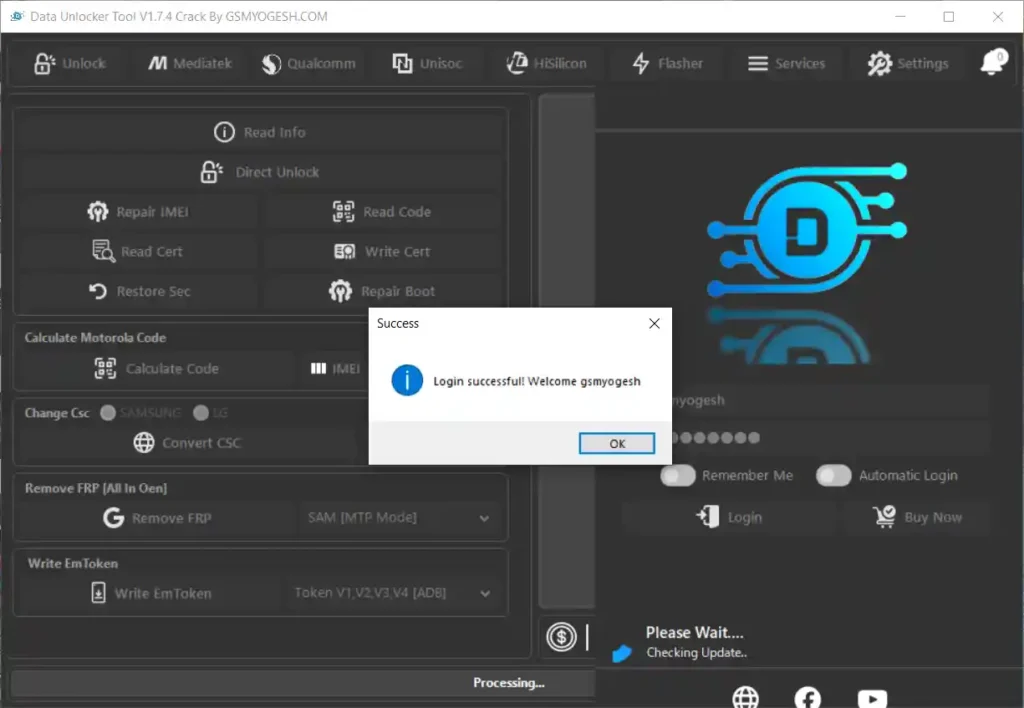
- Click Login and wait for the “Login Successful” message, then click OK.
- The tool opens in offline mode — no internet connection required.
- Connect your Android device via USB.
- Select the required module — Samsung, MTK, Qualcomm, Unisoc, LG, Motorola, etc.
- Choose the required function and press Start.
- For operations requiring DA, EMI, or Firehose files, browse to your own locally stored files.
⚠️ Important: Since the original server is offline, any function that previously pulled DA or Firehose files from the server will now require you to manually load your own compatible files.
What’s New in V1.7.4
V1.7.4 — August 2026
[New] Direct Unlock – Samsung Galaxy A13 5G (SM-A136U):
      ATT/CHA BIT 9 → A, BIT 9 → A (U1), All Carriers BIT 9 → A (W)
[New] Direct Unlock – Samsung Galaxy A13 5G (SM-A136B):
      All Carriers BIT 7 → 8
[New] Direct Unlock – Samsung Galaxy A13 5G (SM-A136M):
      All Carriers BIT 8 → 9
[New] Direct Unlock – Samsung Galaxy A13 5G (SM-A136S):
      All Carriers BIT 6 → 7
[New] Direct Unlock – Samsung Galaxy A32 5G (SM-A326U):
      ATT/CHA BIT E → F, BIT E → F (U1), All Carriers BIT E → F (W)
[New] Direct Unlock – Samsung Galaxy A32 5G (SM-A326B):
      All Carriers BIT B → C
[New] Direct Unlock – Samsung Galaxy A32 5G (SM-A326BR):
      All Carriers BIT B → C
[New] Direct Unlock – Samsung Galaxy A32 5G (SM-A326K):
      All Carriers BIT 5 → 6
[New] Direct Unlock – Samsung Galaxy Tab A 8.4" (SM-T227U):
      ATT/CHA BIT 9 → A
[Note] Some Samsung models now require Test Point during unlock
[New] Direct Unlock – Dialn Nova
[New] Direct Unlock – Dialn X62
[New] Direct Unlock – Dialn X65
[New] Direct Unlock – Dialn Neo
[New] Unisoc Tiger T310_64 CPU Support Added
[New] More supported models for Annual License users
[Fix] General stability improvements
[Fix] Various reported bugs
FAQ
What is Data Unlocker Tool V1.7.4?
Data Unlocker Tool V1.7.4 is a multi-brand Android offline servicing platform supporting Samsung, Xiaomi, Huawei, Motorola, LG, Oppo, Vivo, Infinix, Realme, and Unisoc devices. It covers Direct SIM Unlock, FRP removal, IMEI repair, KG/Knox removal, MDM removal, firmware flashing, partition management, VoLTE enabling, network repair, certificate read/write, and bootloader unlock across MediaTek, Qualcomm, and Unisoc chipsets.
Is the original server still active?
No. The original Data Unlocker Tool online server has been discontinued. This offline edition bypasses the server requirement so all stored functions work without an internet connection or online activation.
Do I need internet to use this version?
No. The offline edition works completely without internet after launch. Login credentials are pre-filled and verified locally — no server check is performed.
What is new in V1.7.4?
V1.7.4 adds Direct Unlock for 13 Samsung Galaxy A13 5G and A32 5G BIT variants (SM-A136U/U1/W/B/M/S and SM-A326U/U1/W/B/BR/K), Samsung Tab A 8.4″ (SM-T227U), 4 Dialn models (Nova, X62, X65, Neo), Unisoc Tiger T310_64 CPU, and more models for Annual License users.
What does “Test Point required” mean for some Samsung models?
For certain Samsung models listed in V1.7.4, the Direct Unlock procedure requires physically triggering a test point on the device’s motherboard to enter the required service mode. This is a hardware step — no software alone can bypass it on those specific models.
Where do I get DA and Firehose files?
Since the original server is offline, you need to source compatible DA (Download Agent) files for MediaTek and Firehose/Loader files for Qualcomm from your own firmware packages or trusted GSM firmware repositories. Load them manually in the tool when prompted.
More Tools ⇒