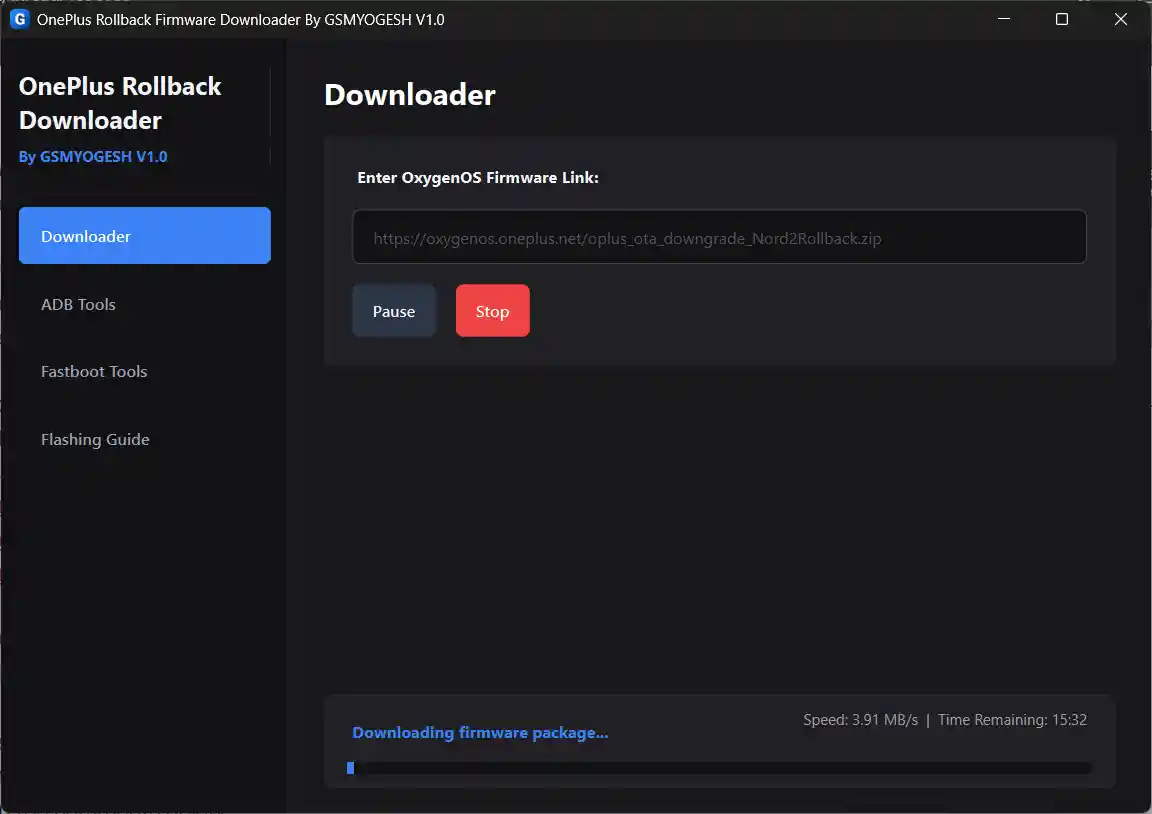
OnePlus Rollback Firmware Downloader V1.0 is a specialized free Windows utility developed by GSMYOGESH to solve a common frustration when downloading official OxygenOS rollback firmware packages — broken or failed download links from OnePlus servers. The tool automatically fixes network connection issues in the background, downloads official OxygenOS rollback packages directly, and renames the downloaded file to exactly oplus_ota_downgrade.zip — the filename required by OnePlus local update systems for manual rollback installation. It also includes built-in ADB and Fastboot utilities to push the firmware to the phone and manage bootloader operations, making the full rollback process available from a single application. No password required.
OnePlus Rollback Downloader Features
Firmware Download Functions
- ✅ Paste Official OxygenOS Rollback URL to Start Download
- ✅ Automatic Connection Fix (Fixes Broken OnePlus Server Links in Background)
- ✅ Auto-Rename Downloaded File to oplus_ota_downgrade.zip
- ✅ Auto-Organize Downloads into Device-Specific Folders
- ✅ Pause / Resume / Cancel Active Downloads
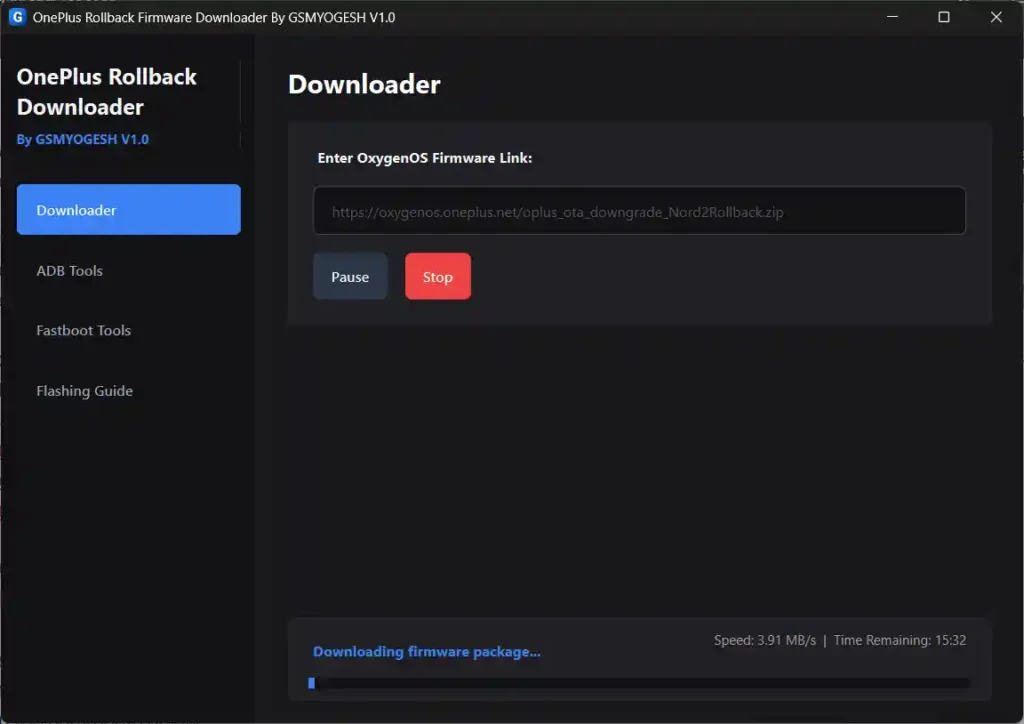
- ✅ Live Download Speed Display (Real-Time)
- ✅ Estimated Time Remaining (ETA) Display
- ✅ Download Progress Percentage Display
Built-in ADB Suite
- ✅ Check Connected ADB Devices
- ✅ Copy Downloaded Firmware Directly to Phone Storage Root (/sdcard/)
- ✅ Reboot Device to Bootloader (One Click)
Built-in Fastboot Controls
- ✅ Verify Fastboot Device Connection
- ✅ Initiate Bootloader Unlock
- ✅ Flash Custom Boot or Recovery Images
- ✅ Reboot to System
System Cleanup
- ✅ Auto-Clean Network Parameters on Exit (Keeps PC Clean)
Screenshots
File Information
| Field | Details |
|---|---|
| Tool Name | OnePlus Rollback Firmware Downloader |
| Version | V1.0 (August 6, 2026) |
| Developer | GSMYOGESH |
| Platform | Windows |
| File Password | None Required |
| License | Free |
| Supported Devices | OnePlus / Realme (OxygenOS / ColorOS rollback) |
Download OnePlus Rollback Firmware Downloader V1.0
✅ No file password required — extract and run directly.
⚠️ Warning: This tool modifies network parameters temporarily during download. Parameters are automatically cleaned up when the application is closed. Download and use at your own risk. For educational and testing purposes only.
Requirements
- A Windows PC or Laptop
- Windows 7 / 10 / 11 (64-bit recommended)
- Active internet connection (required for firmware download)
- ADB & Fastboot USB Drivers installed (for ADB/Fastboot functions)
- OnePlus device with USB Debugging enabled (for ADB functions)
- Official OxygenOS rollback URL for your specific device model
How To Install and Use OnePlus Rollback Firmware Downloader V1.0
- Download the ZIP archive from any link above and extract it to your PC — no password needed.
- Run the application EXE as Administrator (right-click → Run as Admin).
- Complete the initial onboarding setup wizard on first launch.
- Get the official OxygenOS rollback download URL for your specific OnePlus model.
- Paste the URL into the downloader box in the tool.
- Click Download — the tool automatically fixes the server connection in the background and begins downloading.
- Monitor real-time download speed, ETA, and progress in the tool.
- Once downloaded, the file is automatically renamed to oplus_ota_downgrade.zip and placed in the correct device folder.
- Use the built-in ADB suite to copy the file directly to your phone’s storage root (
/sdcard/). - On the OnePlus device, open Settings → System → System Updates → Local Upgrade to apply the rollback.
✅ Tip: For Fastboot bootloader unlock or custom image flashing, use the built-in Fastboot Controls tab to manage these operations without needing a separate tool.
FAQ
What is OnePlus Rollback Firmware Downloader?
It is a free Windows utility by GSMYOGESH that fixes broken OxygenOS rollback firmware download links, downloads official packages directly from OnePlus servers, auto-renames them to oplus_ota_downgrade.zip, and includes built-in ADB and Fastboot tools to complete the rollback process.
Why do OnePlus rollback links fail?
Official OnePlus/Oppo rollback servers often have connection restrictions or CDN routing issues that cause download failures with standard browsers or download managers. This tool automatically adjusts the network connection in the background to bypass these issues.
What does it rename the file to and why?
The tool renames the downloaded firmware to oplus_ota_downgrade.zip. This is the exact filename expected by the OnePlus Local Upgrade system (Settings → System Updates → Local Upgrade) for manual rollback installation. Without this exact filename, the local update option will not recognize the file.
Does it work with Realme devices?
The tool is primarily built for OnePlus OxygenOS rollback packages, but since Realme also uses the same OPlus (OPPO) platform and local upgrade filename format, it may work for Realme ColorOS rollback packages as well.
Is it completely free?
Yes. The tool is completely free — no password, no activation, and no account required. Just extract and run as Administrator.
Does it clean up after itself?
Yes. When you close the application, it automatically cleans up all network parameters it temporarily modified during the download session, leaving your PC system unchanged.
More Tools ⇒