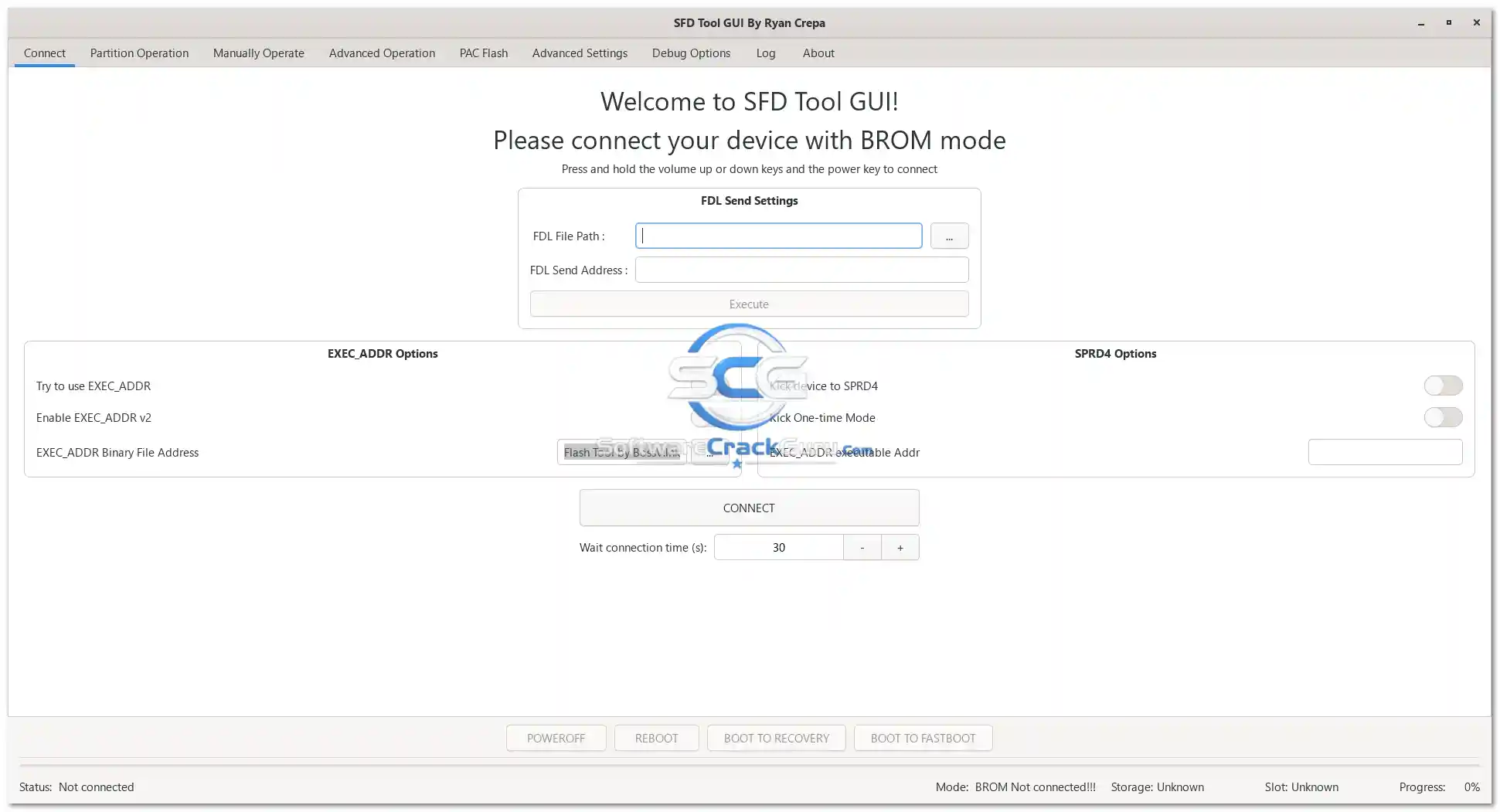
SFD Tool (Spreadtrum Firmware Dumper) GUI v2.5.2 is a free and open-source Windows utility developed by C-Hidery on GitHub for reading, writing, and managing firmware on Unisoc (Spreadtrum/SPD) Android devices. Unlike most closed GSM tools, SFD Tool is fully open-source, cross-platform, and available in both installer and portable ZIP formats. It comes in two driver variants — x86 with SPRD native drivers and x64 with libusb drivers — and also supports macOS and Linux. The graphical user interface (GUI) makes it beginner-friendly without requiring command-line knowledge. V2.5.2 is the latest release, published July 21, 2026, with improved GUI, better device detection, enhanced USB communication, and overall performance improvements.
SFD Tool Features
Device & Connection
- ✅ Auto Device Detection (Unisoc / SPD Chipsets)
- ✅ ADB Mode Support
- ✅ Fastboot Mode Support
- ✅ USB Communication via libusb (x64) or SPRD Native Driver (x86)
- ✅ Device Information Reading
- ✅ Reboot Device Options
Firmware Operations
- ✅ Read Flash / Firmware Dump
- ✅ Write Flash / Firmware Restore
- ✅ Partition Management
- ✅ Device Management Utilities
GUI & Usability
- ✅ Simple & Clean Graphical Interface
- ✅ Beginner-Friendly Controls (No Command Line Needed)
- ✅ Fast Navigation Between Functions
- ✅ Lightweight Application
- ✅ Live Status / Log Display
What’s New in v2.5.2
- ✅ Improved GUI Interface
- ✅ Better Device Detection
- ✅ Enhanced Stability
- ✅ Faster Processing Speed
- ✅ Bug Fixes & Performance Improvements
- ✅ Improved USB Communication
- ✅ Better Compatibility with Supported Devices
Download Variants & Driver Types
SFD Tool v2.5.2 is available in multiple editions. Choose the correct one for your system:
| Edition | File | Driver Type | OS |
|---|---|---|---|
| Windows x64 Installer | sfd_tool_v2.5.2_x64.exe | libusb | Windows 64-bit |
| Windows x86 Installer | sfd_tool_v2.5.2_x86.exe | SPRD Native | Windows 32-bit |
| Windows x64 Portable ZIP | sfd_tool_windows_x64_libusb_v2.5.2.zip | libusb | Windows 64-bit |
| Windows x86 Portable ZIP | sfd_tool_windows_x86_sprd_v2.5.2.zip | SPRD Native | Windows 32-bit |
| macOS | sfd_tool_macos_v2.5.2.dmg | — | macOS |
| Linux DEB | sfd_tool_linux_v2.5.2.deb | — | Ubuntu / Debian |
| Linux RPM | sfd_tool_linux_v2.5.2.rpm | — | Fedora / RPM-based |
Driver Note: Windows x86 (SPRD) uses the Spreadtrum native driver. Windows x64 (libusb) requires the libusb driver — install it using the Zadig tool before connecting your device.
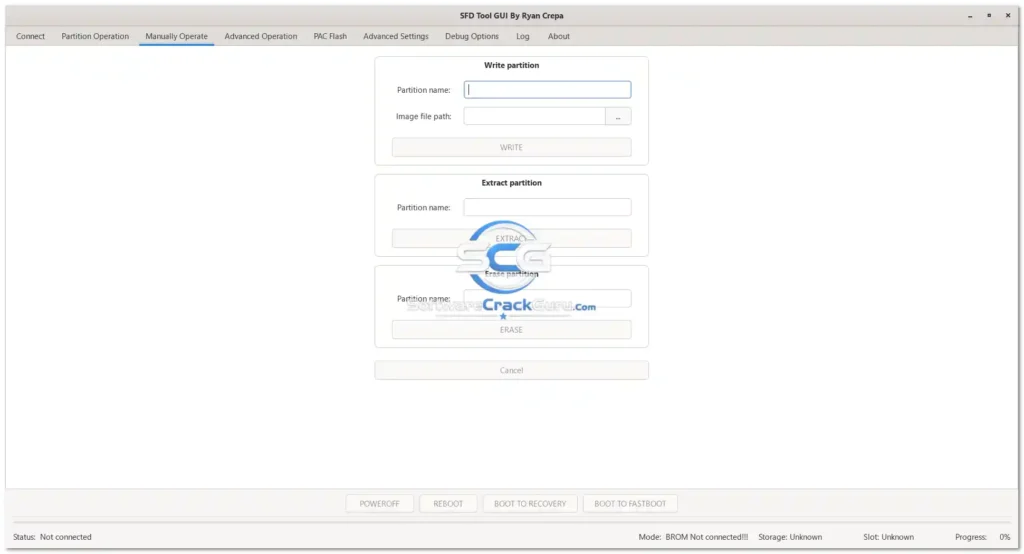
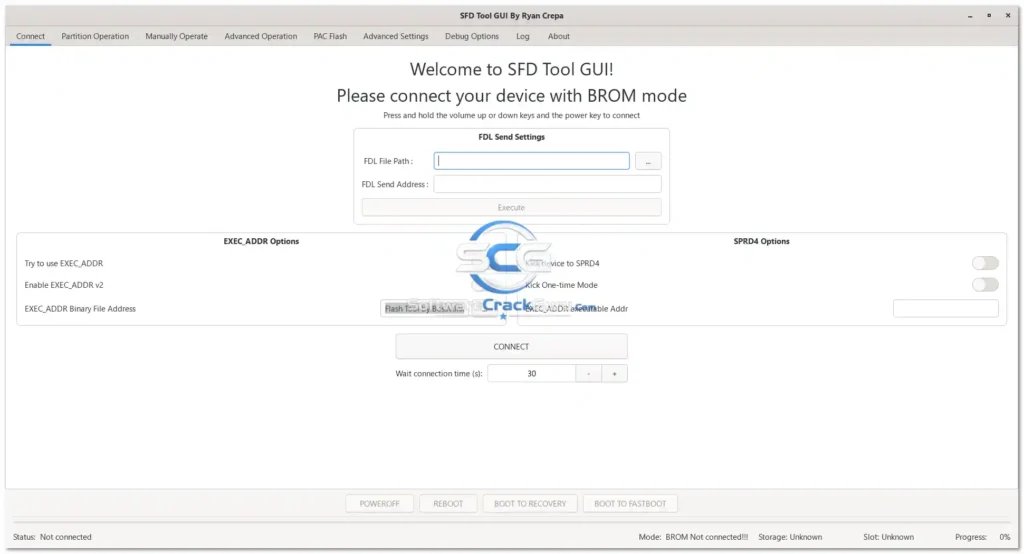
Screenshots
File Information
| Field | Details |
|---|---|
| Tool Name | SFD Tool GUI (Spreadtrum Firmware Dumper) |
| Version | v2.5.2 (Latest – July 21, 2026) |
| Developer | C-Hidery (Open Source – GitHub) |
| Source | github.com/C-Hidery/sfd_tool |
| Platform | Windows (x86 & x64) / macOS / Linux |
| Driver Options | libusb (x64) / SPRD Native (x86) |
| License | Free & Open Source |
| Activation | None Required |
Download SFD Tool GUI v2.5.2
Download All Editions via GitHub Releases (Official)
✅ The GitHub Releases page contains all 7 download editions — installer and portable ZIP for Windows x86/x64, macOS DMG, and Linux DEB/RPM packages.
⚠️ Warning: Always back up your device data before performing any firmware read or write operation. Writing incorrect firmware to a Unisoc device can result in a soft brick or boot failure. Use at your own risk and only on devices you are authorized to service.
Requirements
| Component | Requirement |
|---|---|
| OS | Windows 7 / 8 / 10 / 11 (32-bit or 64-bit), macOS, or Linux |
| RAM | 4 GB Recommended |
| USB | Stable USB 2.0 or 3.0 connection |
| Driver (x86) | SPRD Native USB Driver (included in installer) |
| Driver (x64) | libusb driver via Zadig tool |
| Internet | Not required after download |
- Microsoft .NET Framework (Windows) — install if not already present
- Use a good-quality USB data cable for stable device detection
- Disable Antivirus or Windows Defender before running (may flag libusb components)
How To Install and Use SFD Tool GUI v2.5.2
Windows x86 (SPRD Native Driver — Recommended for Beginners)
- Download sfd_tool_v2.5.2_x86.exe from the GitHub link above.
- Run the installer as Administrator and complete the setup.
- Connect your Unisoc/SPD Android device via USB.
- Open SFD Tool GUI — the device should be detected automatically via the SPRD native driver.
- Select the required function — Read Flash, Write Flash, or Device Info — and proceed.
Windows x64 (libusb Driver)
- Download sfd_tool_v2.5.2_x64.exe from the GitHub link above.
- Run the installer as Administrator and complete the setup.
- Download and run Zadig (zadig.akeo.ie) to install the libusb driver for your device.
- In Zadig, select your Unisoc device and replace the driver with libusb-win32 or WinUSB.
- Open SFD Tool GUI and connect your device — it should now be detected.
Portable ZIP (No Installation)
- Download the ZIP for your system (x86 SPRD or x64 libusb) from GitHub.
- Extract to any folder.
- Run sfd_tool.exe directly — no installation required.
- Follow the driver setup above depending on your edition.
⚠️ Important: Always back up important data and existing firmware before writing or flashing. Use a high-quality USB cable for stable communication throughout the operation.
FAQ
What is SFD Tool?
SFD Tool (Spreadtrum Firmware Dumper) is a free open-source utility for reading, writing, and managing firmware on Unisoc (Spreadtrum/SPD) Android devices. It provides a graphical user interface (GUI) as a user-friendly alternative to command-line SPD tools, and is available for Windows, macOS, and Linux.
Is SFD Tool completely free?
Yes. SFD Tool is fully free and open-source — no account, credits, activation, or payment required. The full source code is available on GitHub at github.com/C-Hidery/sfd_tool.
What is the difference between the x86 (SPRD) and x64 (libusb) versions?
The x86 SPRD version uses the original Spreadtrum native USB driver, which is plug-and-play on most Windows systems. The x64 libusb version uses the libusb open-source USB library and requires an additional driver installation step using the Zadig tool. For most users, the x86 SPRD version is simpler to set up.
What is Zadig and why do I need it for the x64 version?
Zadig is a free Windows tool that installs generic USB drivers (libusb, WinUSB) for devices that don’t have native Windows drivers. The x64 SFD Tool requires libusb to communicate with Unisoc devices — Zadig is used to install it. Download Zadig from zadig.akeo.ie.
Which Android devices are supported?
SFD Tool is designed for Android devices running Unisoc (Spreadtrum/SPD) chipsets. Common supported brands include Tecno, Infinix, Itel, ZTE, Alcatel, and other SPD-based Android phones and tablets. Exact model support depends on the chipset and Android version.
Does it work on macOS and Linux?
Yes. SFD Tool v2.5.2 provides a macOS DMG installer and Linux DEB (Ubuntu/Debian) and RPM (Fedora) packages — making it one of the few Unisoc service tools that officially supports non-Windows platforms.
More Tools ⇒