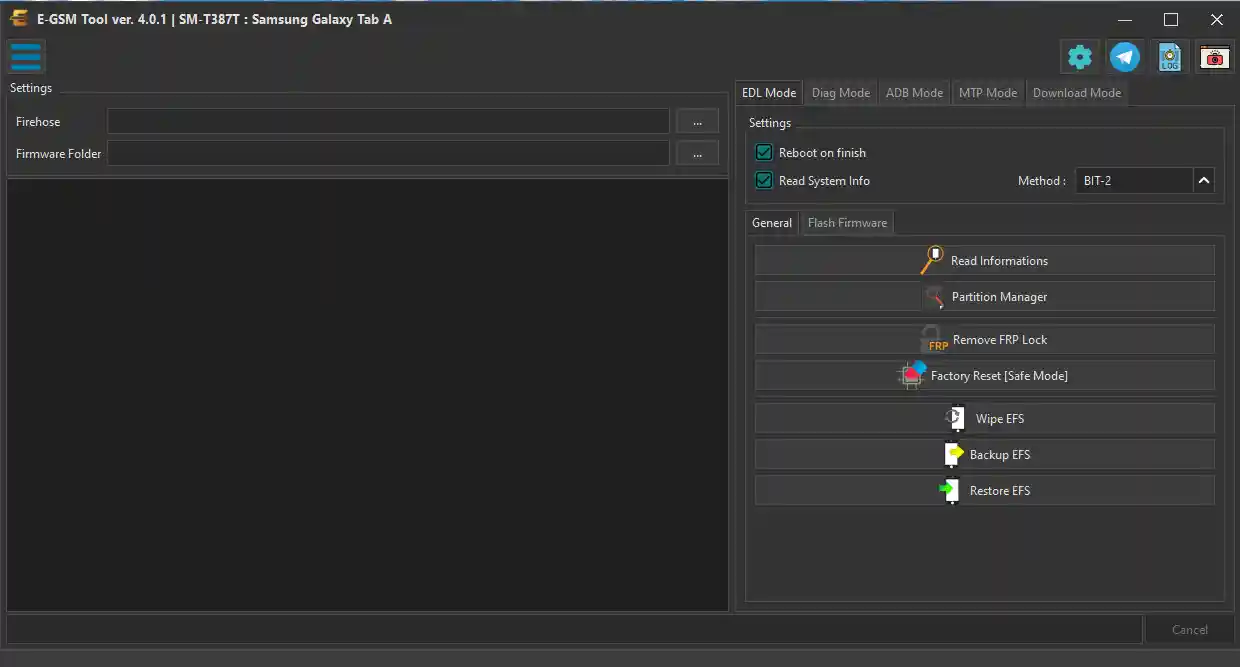
E-GSM Tool Beta v4.2.1 is a Windows-based professional Android repair and unlocking tool offering a wide range of functions across ADB, Fastboot, MediaTek, Qualcomm, SPD, and Samsung modes — all in one interface. It covers FRP removal, screen lock reset, firmware flashing, IMEI repair, bootloader unlock/relock, Mi Account bypass, Huawei ID removal, EFS backup/restore, QCN read/write, RPMB operations, Samsung KG management, MDM/Knox removal, CERT patch, and TWRP-based root and EFS tools. New users receive a free 1-month activation — no credits required for the trial period. The tool has been personally tested and confirmed working in April 2026.
E-GSM Tool Features
MediaTek (MTK) Functions
- ✅ Read Device Information
- ✅ Remove FRP / Factory Reset / Factory Reset (New)
- ✅ Backup NVDATA / Restore NVDATA / Wipe NVDATA
- ✅ Enable META Mode / Switch to META Mode
- ✅ Repair IMEI / Fix Null Baseband
- ✅ Unlock Bootloader / Relock Bootloader
- ✅ Bypass Mi Account
- ✅ Patch CERT
- ✅ Flash Firmware
- ✅ Remove Huawei ID
- ✅ Backup OEMINFO / Restore OEMINFO
Qualcomm Functions
- ✅ Read Device Information
- ✅ Remove FRP
- ✅ Backup NVDATA / Restore NVDATA / Wipe NVDATA
- ✅ Unlock Bootloader / Relock Bootloader
- ✅ Factory Reset
- ✅ Repair IMEI
- ✅ Flash Firmware
- ✅ Backup QCN / Restore QCN / Load QCN
- ✅ Read RPMB / Erase RPMB / Write RPMB
- ✅ Factory Reset (Safe Mode)
- ✅ EDL Flasher
- ✅ Patch Certificate SPD
- ✅ Repair Network
Samsung Functions
- ✅ Disable Knox (ADB)
- ✅ Remove FRP (ADB + MTP)
- ✅ Reset Default
- ✅ EFS All Samsung
- ✅ Root Device
- ✅ Download Mode (from server)
- ✅ Demo Remover
- ✅ Set Samsung KG Checking
- ✅ Set Samsung KG Completed
- ✅ Set Samsung KG Prenormal
- ✅ Set Samsung KG Locked
- ✅ RMM Unlock (ADB Root)
ADB Functions
- ✅ Read Info (ADB) / Reboot (ADB) / Reboot Recovery
- ✅ Reset Screen Lock (ADB)
- ✅ Enable All Language
- ✅ Enable Diag / Enable Diag Root
- ✅ FRP ADB Mode
- ✅ Fastboot to EDL / Fastboot Exit / Recovery to Normal
Fastboot Functions
- ✅ Fastboot Flash
- ✅ Flash TWRP (Fastboot)
- ✅ Reboot Fastboot
TWRP Functions
- ✅ Backup EFS (TWRP) / Restore EFS (TWRP) / Wipe EFS (TWRP)
- ✅ E-GSM ROOT (TWRP)
- ✅ Reset Mi Account
Screenshots
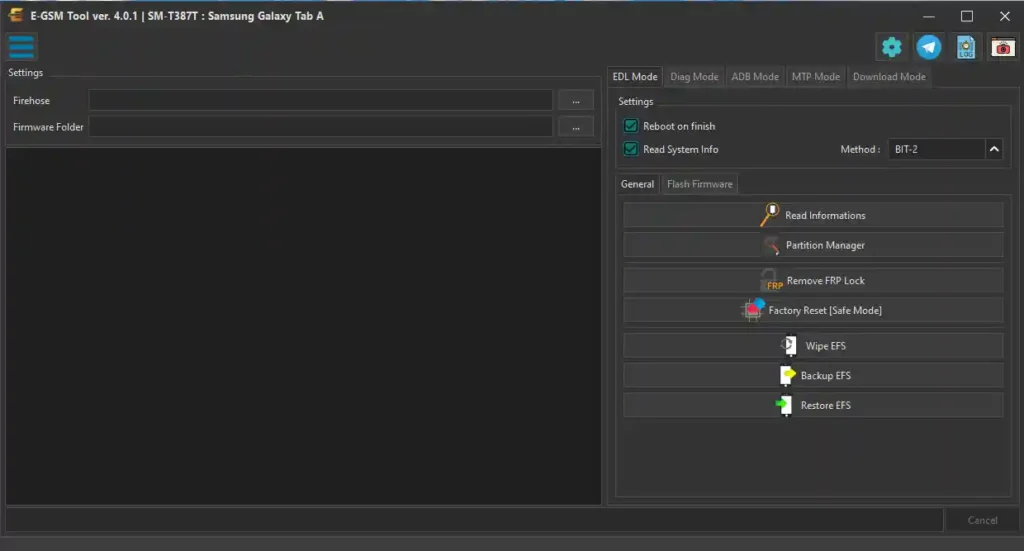
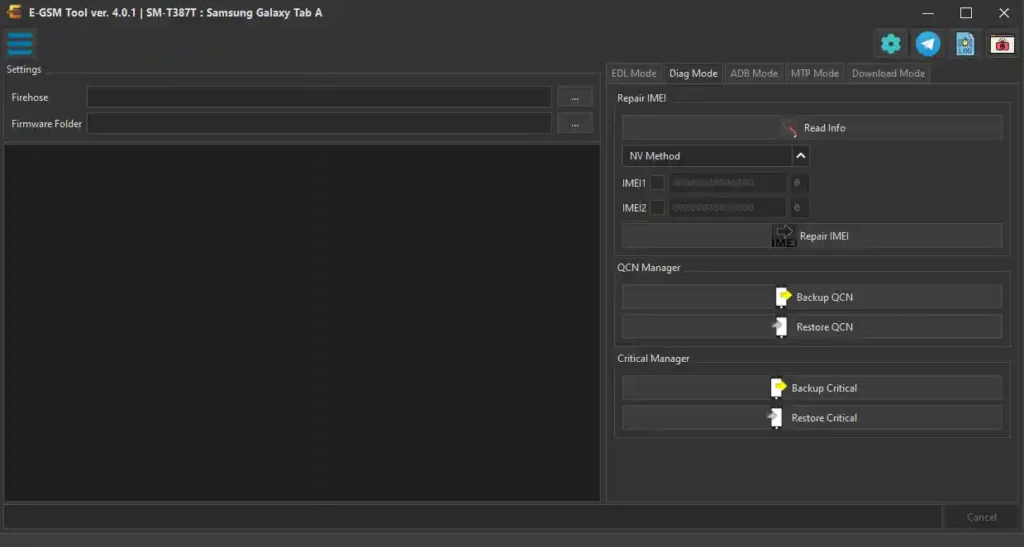
File Information
| Field | Details |
|---|---|
| Tool Name | E-GSM Tool Beta |
| Version | v4.2.1 (Latest – April 2026) |
| Platform | Windows 7 / 8 / 10 / 11 |
| Trial Period | 1 Month Free Activation |
| License | Free Trial / Paid (After Trial) |
| Internet | Required for Login & Activation |
Download E-GSM Tool Beta v4.2.1
⚠️ Warning: Download and use at your own risk. Always back up your device data before performing any FRP bypass, firmware flash, or repair operation. For educational and testing purposes only.
Requirements
- A Windows PC or Laptop (Windows 7 / 8 / 10 / 11)
- USB cable to connect your Android device
- USB Debugging enabled on the device (for ADB functions)
- MTK / Qualcomm / Samsung USB Drivers installed
- Active internet connection (required for login and activation)
- Disable Antivirus or Windows Defender before running the tool
How To Install and Use E-GSM Tool Beta v4.2.1
- Download the file from the link above and extract it to your PC.
- Disable your antivirus before running the tool.
- Run the setup or EXE file as Administrator (right-click → Run as Admin).
- Complete the login / activation process — new users get 1 month free activation automatically.
- Connect your Android device via USB cable.
- Select the correct mode tab — MTK, Qualcomm, Samsung, ADB, or Fastboot.
- Choose the required function from the relevant section.
- Press the Start button and follow the on-screen instructions.
- Wait for the process to complete — do not disconnect during operation.
⚠️ Important: Internet connection is required for login and activation. Disable antivirus before running to avoid false positive interruptions.
FAQ
What is E-GSM Tool Beta v4.2.1?
E-GSM Tool Beta v4.2.1 is a professional Windows Android repair and unlocking tool supporting MTK, Qualcomm, SPD, Samsung, and ADB/Fastboot operations. It covers FRP removal, IMEI repair, firmware flashing, bootloader unlock, Mi Account bypass, Samsung KG management, EFS/QCN/RPMB operations, TWRP root, and MDM/Knox removal.
Is E-GSM Tool free?
New users receive a 1-month free activation with full access to all features. After the trial period expires, a paid subscription is required to continue using the tool.
What chipsets are supported?
The tool supports MediaTek (MTK), Qualcomm, SPD/Unisoc, and Samsung Exynos platforms through dedicated mode tabs in the interface.
Does it require internet to work?
Yes. Internet connection is required for the initial login and 1-month activation process. Most repair operations can proceed offline after login.
Which Samsung KG states can be set?
The Samsung tab allows setting KG Checking, KG Completed, KG Prenormal, and KG Locked states — providing full Knox Guard status management alongside RMM Unlock via ADB Root.
Does it support TWRP-based operations?
Yes. The TWRP section includes EFS Backup, EFS Restore, EFS Wipe, Mi Account Reset, and E-GSM ROOT — all performed through a TWRP recovery environment on the device.
More Tools ⇒