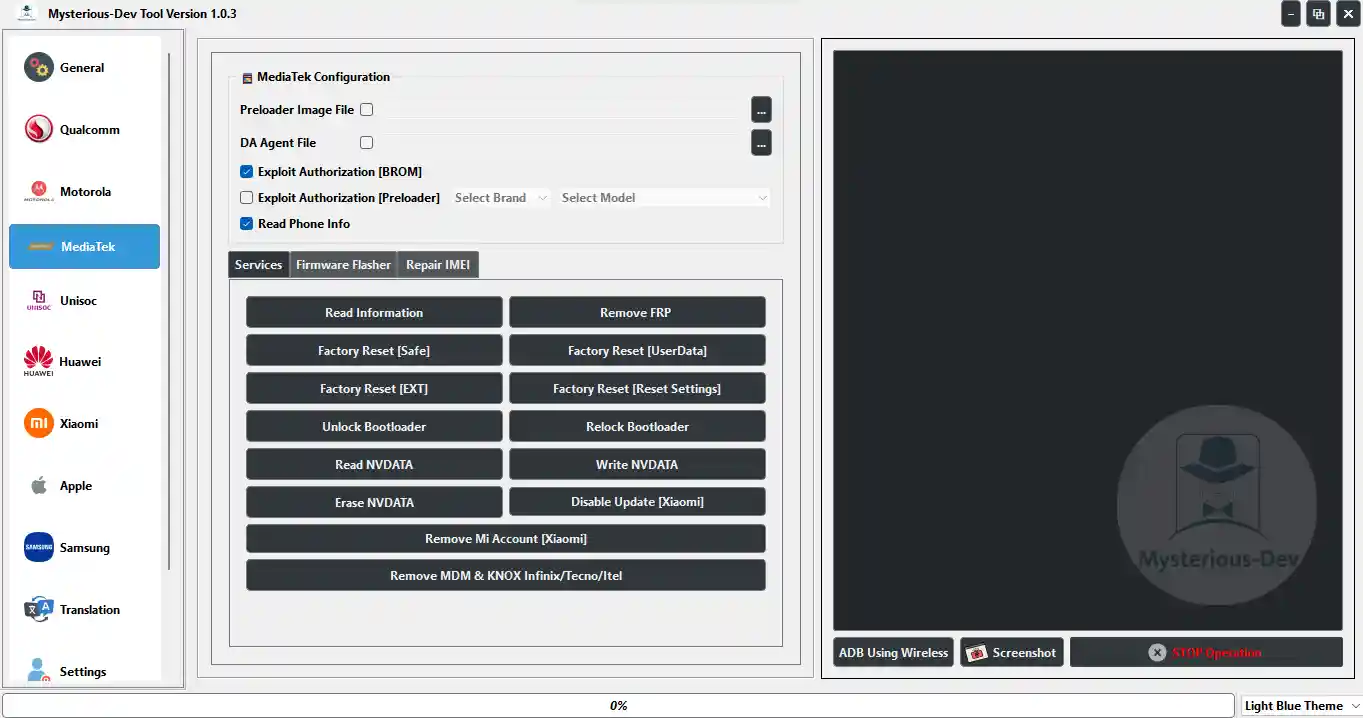
Mysterious-Dev Tool v1.1.4 is a rapidly growing all-in-one Android service platform supporting Samsung, Xiaomi, Oppo, Realme, Vivo, Huawei, Motorola, Tecno, Infinix, Itel, and other MediaTek, Qualcomm, and Unisoc-based devices. Since its initial release, the tool has received multiple major updates adding Samsung One-Click FRP Bypass, 332+ Qualcomm Samsung model support with full EDL services, Direct SIM Unlock for Samsung/LG/JDM models, CERT read/write, VoLTE enabling across all major chipsets, 40+ language translation/localization, and Samsung Android 16 FRP via Direct MTP method. The tool is free to download and use and is regularly updated by an active development team.
Mysterious-Dev Tool Features
Samsung – FRP
- ✅ One-Click FRP Bypass via Test Mode / #0# (All Models, All CSCs, Android 5–15)
- ✅ FRP Reset via Direct MTP Mode – Android 16 (No QR / No Test Point / No Files Needed)
- ✅ Remove FRP & Samsung Account via Download Mode (Old Security)
- ✅ Auto-Detect Device / Auto-Enable ADB / Auto-Bypass Setup Wizard
Samsung – SIM Unlock & CERT
- ✅ Direct SIM Unlock (One-Click) – All Supported Models
- ✅ Read CERT / Write CERT – Fix Network & IMEI Issues
- ✅ Samsung JDM & TracFone Models Supported
- ✅ Global S / Note / A / J Series Models Supported
Samsung – Qualcomm EDL (332+ Models)
- ✅ Flash Firmware
- ✅ Partition Manager – List GPT / Read / Erase / Write / Restore Backup
- ✅ Read Device Information
- ✅ Remove FRP (General & Samsung Methods)
- ✅ Factory Reset EXT4 / Safe Format / Remove Screen Lock
- ✅ Remove Samsung Lost Mode / Reset KG Status / Change KG Status
- ✅ EFS Data Manager / OEMINFO Data Manager
LG – SIM Unlock
- ✅ Direct Unlock SIM (One-Click) – Velvet, Wing, V60, K/Q/Stylo/X Series
Translation & Localization
- ✅ Add All Languages via Morelocale Method (Android 4–16)
- ✅ Auto-Install Language + Keyboard Ready for Customer
- ✅ General Android Translation via ADB (No Root) – Android 5–16
- ✅ Samsung Translation – Android 11–16 (Fixed & Expanded)
- ✅ 40+ Languages including Arabic (Yemen/Libya/Saudi/Egypt), English, French, German, Spanish, Italian, Portuguese, Russian, Ukrainian, Turkish, Persian, Urdu, Kurdish, Hebrew, Chinese (Simplified/Traditional), Japanese, Korean, Hindi, Bengali, Indonesian, Malay, Vietnamese, Thai, Filipino, Swahili, Amharic, and more
VoLTE & 4G Enabling
- ✅ Samsung VoLTE – Power Key / Lock Screen / Assistant Methods
- ✅ MTK VoLTE – Direct (Root) / Engineer Mode / IMS / Operator Settings
- ✅ SPD / Unisoc VoLTE – Fast Mode / Full Mode (Diag) / Engineer Mode / IoT / GCF Settings
- ✅ Enable 4G for Samsung, Xiaomi, Huawei/Honor, Motorola, OnePlus, Vivo, LG, ZTE, Coolpad, REDMAGIC, Meizu, Revvl, Sugar, China Mobile, LT Models
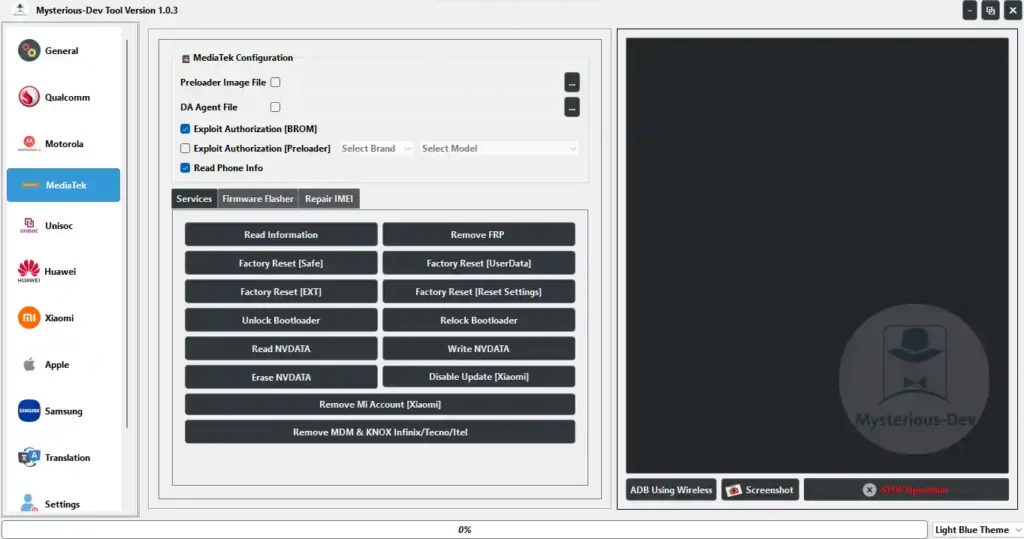
MediaTek Functions
- ✅ Factory Reset / FRP Remove (Supported Models)
- ✅ NVRAM / NVDATA Operations
- ✅ Scatter Firmware Flash
- ✅ Improved MTK Protocol Stability (v1.0.7+)
Qualcomm Functions
- ✅ Firmware Flash
- ✅ EDL Mode Operation
- ✅ QCN Backup & Restore
- ✅ Network Repair Options
Unisoc / SPD Functions
- ✅ FRP Remove
- ✅ Firmware Flash
- ✅ Bootloader Operations
- ✅ Diag Mode / CP Log Enable (ZTE, Vivo, Moto)
General & ADB Functions
- ✅ Auto Device Detection
- ✅ View Phone Information
- ✅ App Manager / ADB Commands
- ✅ Smart List UI for Easy Navigation
- ✅ Improved ADB Connection Stability
Supported Brands
- ✅ Samsung (All Series – Galaxy S / Note / A / M / F / J / Z Fold / Z Flip)
- ✅ Xiaomi / Redmi / POCO
- ✅ Oppo / Realme
- ✅ Vivo
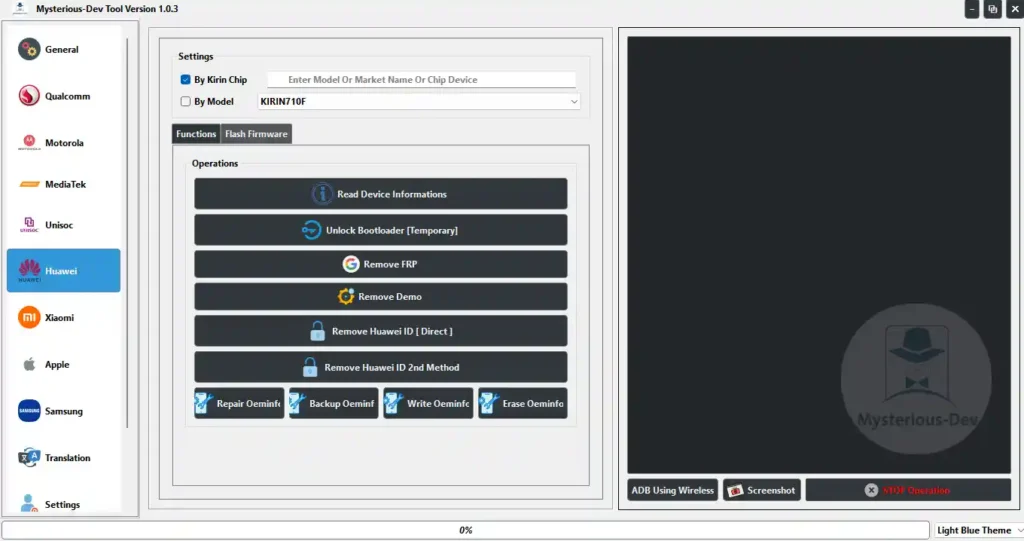
- ✅ Huawei / Honor (Specific Models)
- ✅ Motorola
- ✅ Tecno / Infinix / Itel
- ✅ LG
- ✅ Other MediaTek / Unisoc-Based Devices
⚠️ Not all features are guaranteed to work on all devices. Success depends on device model and security patch level.
Changelogs
v1.1.4 — Latest
[New] Samsung One-Click FRP Bypass via Test Mode / *#0*#
      - All Models / All CSCs / Android 5–15 (Security up to 2024)
      - USB-only / Fully Automated / No Testpoint / No Teardown
[New] One-Click Device Translation & Localization (Morelocale)
      - Android 4–16 / Auto-install Language + Keyboard
[New] General Android Translation via ADB – 40+ Languages (Android 5–16)
[New] Remove FRP & Samsung Account via Download Mode (Old Security)
      - Auto Read DID / UN / Model / Build / Sales Code in Download Mode

v1.1.3 — Ramadan Update
[New] 332+ Samsung Qualcomm Models with Full EDL Support:
      Flash Firmware / Partition Manager / Read GPT / Read / Erase / Write / Restore
      EDL: Read Info / Remove FRP (General & Samsung) / Factory Reset EXT4 & Safe
      Remove Screen Lock / Remove Lost Mode / Reset KG / Change KG Status
      EFS Manager / OEMINFO Manager
[Fix] Various bugs from previous versions
[Enhancement] Improved performance and stability

v1.0.7
[New] Direct SIM Unlock (One-Click) – Samsung JDM / TracFone / Global Series & LG
[New] Read / Write CERT – Fix Network & IMEI Issues
[New] 2 New Samsung Translation Methods for Android 15 / 16
[Enhancement] Improved MediaTek Protocol stability

v1.0.5
[Fix] Samsung Translation fixed for Android 11 / 12 / 13 / 14 / 15 / 16
[New] Expanded language pack:
      Arabic (Yemen / Libya / Saudi Arabia / Egypt), English (US/UK/CA),
      French, German, Spanish (ES/MX), Italian, Portuguese (PT/BR),
      Russian, Ukrainian, Polish, Czech, Hungarian, Romanian, Bulgarian,
      Greek, Swedish, Turkish, Persian, Urdu, Kurdish, Azerbaijani,
      Uzbek, Hebrew, Chinese (Simplified/Traditional), Japanese, Korean,
      Hindi, Bengali, Indonesian, Malay, Vietnamese, Thai, Filipino,
      Swahili, Amharic
[Enhancement] Improved ADB stability / Smart List UI

v1.0.4
[New] Samsung FRP Reset via Direct MTP Mode – Android 16
      All Models / All CPUs (Exynos / MTK / Qualcomm / SPD)
[New] SPD / Unisoc VoLTE & Diag – Engineer Mode / IoT / GCF / Enable VoLTE Fast & Full
[New] Samsung VoLTE – Power Key / Lock Screen / Assistant / Restore Defaults
[New] MTK VoLTE – Direct Root / Engineer Mode / Network Selection / IMS / MiscConfig
[New] Enable 4G Settings – Samsung, Xiaomi, Huawei, OnePlus, Motorola, Vivo, LG, ZTE,
      Coolpad, REDMAGIC, Meizu, Revvl, China Mobile, Sugar, LT Models
[Enhancement] Improved ADB connection stability / Smart List UI

v1.0.3
[Enhancement] More Samsung & Xiaomi model support
[Enhancement] Improved Qualcomm & MTK module stability
[Enhancement] Cleaner UI / Bug fixes / Performance improvements
[New] New Network & SIM-related options
Screenshots
File Information
| Field | Details |
|---|---|
| File Name | SetupMysteriousDev_1.1.4.rar |
| Version | v1.1.4 (Latest – 2026) |
| Developer | Mysterious-Dev Team |
| Platform | Windows |
| License | Free |
| Supported Chipsets | Samsung, MTK, Qualcomm, Unisoc/SPD |
Download Mysterious-Dev Tool v1.1.4
⚠️ Warning: This is a third-party service tool — not an official OEM application. Not all features work on all devices. Always back up your data before performing any repair or flash operation. Use responsibly and only on devices you are authorized to service.
Requirements
- A Windows PC or Laptop
- Windows 7 / 10 / 11 (32-bit or 64-bit)
- Samsung / MTK / Qualcomm / SPD USB Drivers installed
- USB Debugging enabled on the Android device (for ADB functions)
- Disable Antivirus or Windows Defender before installation
- Active internet connection for language packs, localization, and server-based functions
How To Install and Use Mysterious-Dev Tool v1.1.4
- Download the RAR file from any link above and extract it using WinRAR or 7-Zip.
- Disable your antivirus before running the installer.
- Run the setup file as Administrator and complete the installation.
- Launch Mysterious-Dev Tool from the Desktop shortcut.
- Connect your Android device via USB cable.
- Enable USB Debugging on the device (Settings → Developer Options → USB Debugging).
- Select the required function from the relevant tab — Samsung, MTK, Qualcomm, Unisoc, VoLTE, or Translation.
- Follow the on-screen instructions and wait for the process to complete.
⚠️ Important: Always disable antivirus before installation. For Samsung One-Click FRP, the device must be in the initial setup screen when connected. For EDL operations, install Qualcomm USB Drivers and ensure the device is in 9008 mode.
FAQ
What is Mysterious-Dev Tool?
Mysterious-Dev Tool is a free all-in-one Android service platform supporting Samsung, MTK, Qualcomm, and Unisoc devices. It covers Samsung FRP bypass, Direct SIM Unlock, CERT repair, 332+ Samsung Qualcomm EDL model support, VoLTE enabling across all chipsets, 40+ language translation/localization, firmware flash, FRP remove, and general ADB tools.
Is the tool completely free?
Yes. Mysterious-Dev Tool is free to download and use — no credits, dongle, or paid activation required.
What is the Samsung One-Click FRP feature?
The One-Click FRP Bypass works through Test Mode / #0# and supports all Samsung families (Galaxy S, Note, A, M, F, J, Z Fold/Flip) on all CSCs, covering Android 5 through Android 15 (security patches up to 2024). It is USB-only, fully automated, and requires no testpoint or hardware teardown.
Does it support Android 16 FRP?
Yes. The Direct MTP Mode FRP method added in v1.0.4 supports Samsung Android 16 across all CPUs — Exynos, MTK, Qualcomm, and SPD — with no QR scan, testpoint, or additional files required.
How many Samsung Qualcomm models are supported for EDL?
Version 1.1.3 added support for 332+ Samsung Qualcomm models with full EDL operations including flash, partition management, FRP remove, factory reset, screen lock remove, KG reset, and EFS/OEMINFO management.
What languages are supported in the translation feature?
The tool supports 40+ languages including Arabic (multiple dialects), English, French, German, Spanish, Italian, Portuguese, Russian, Turkish, Persian, Urdu, Kurdish, Hebrew, Chinese (Simplified/Traditional), Japanese, Korean, Hindi, Bengali, Indonesian, Malay, Vietnamese, Thai, Filipino, Swahili, Amharic, and more — covering Android 4 through Android 16.
More Tools ⇒