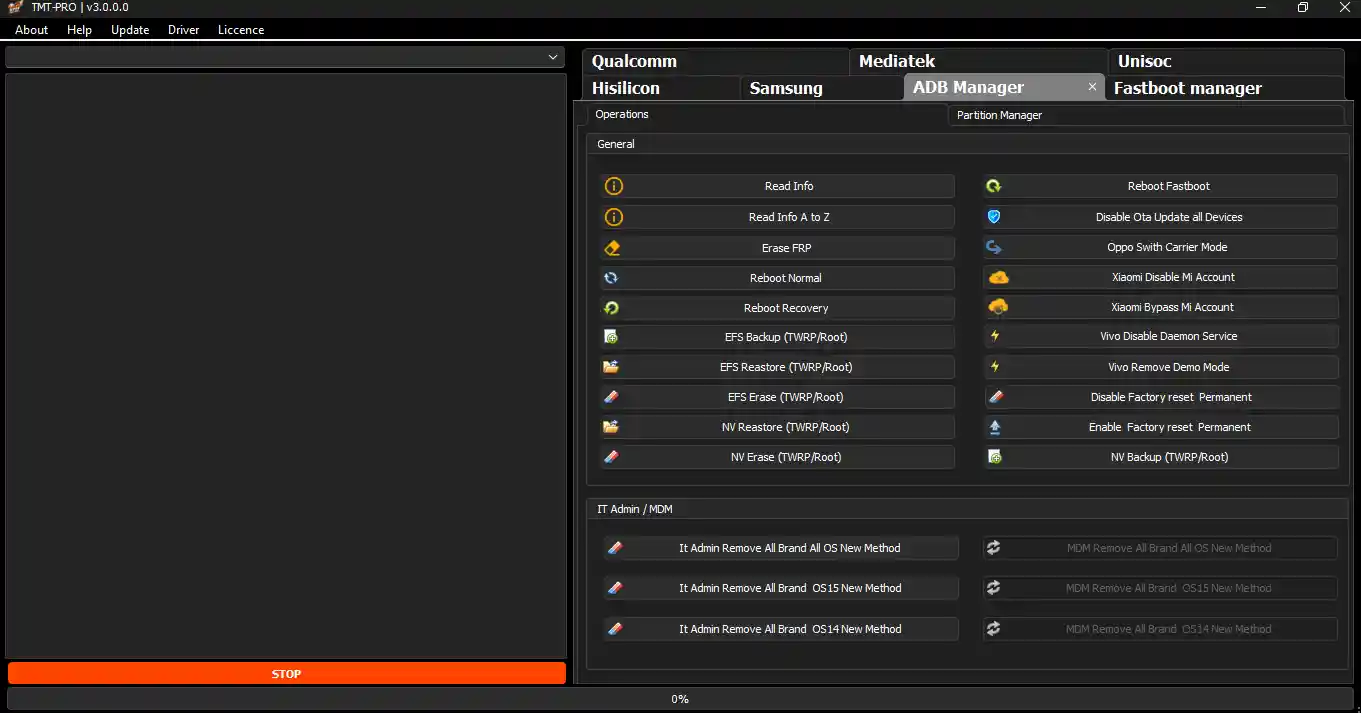
TMT PRO Tool V3.0.0.3 is a Windows-based Android servicing utility designed for mobile technicians and GSM service centers. It covers FRP lock removal, factory reset, userdata format, screen lock removal, and firmware flashing on selected models — all through Fastboot, ADB, and Download Mode. The tool supports Samsung, Xiaomi, Oppo, Vivo, Realme, Tecno, Infinix, and other Android brands with a simple and beginner-friendly interface. V3.0.0.3 brings stability fixes for Qualcomm and MTK detection paths, improved logging for servicing sessions and license checks, and UI refinements for faster navigation. New users get 30 days of free access after login. The file password from community comments is 123.
TMT PRO Tool Features
FRP Remove
- ✅ Google Account / FRP Lock Remove
- ✅ Old & New Android Version Support
- ✅ One-Click FRP Operation (Supported Models)
Reset & Format
- ✅ Factory Reset
- ✅ Userdata Format
- ✅ Pattern / PIN / Password Remove
- ✅ Bootloop & Hang on Logo Fix
Flashing
- ✅ Firmware Flash (Selected Models)
- ✅ Fastboot Mode Flash
- ✅ Download Mode Flash
Connection Modes
- ✅ ADB Mode
- ✅ Fastboot Mode
- ✅ Download Mode (Samsung)
Interface & Usability
- ✅ Clean & Simple UI
- ✅ Beginner-Friendly Button Layout
- ✅ Fast Working Speed
- ✅ Auto Device Detection
What’s New in V3.0.0.3
- ✅ Stability Fixes for Qualcomm & MTK Detection Paths
- ✅ Improved Logging for Servicing Sessions & License Checks
- ✅ UI Refinements for Faster Navigation Between Modules
Supported Brands
- ✅ Samsung
- ✅ Xiaomi / Redmi
- ✅ Oppo
- ✅ Vivo
- ✅ Realme
- ✅ Tecno / Infinix
- ✅ Other Android Brands (Limited Support)
⚠️ Not all features work on all models. Results depend on the device’s chipset, Android version, and security patch level.
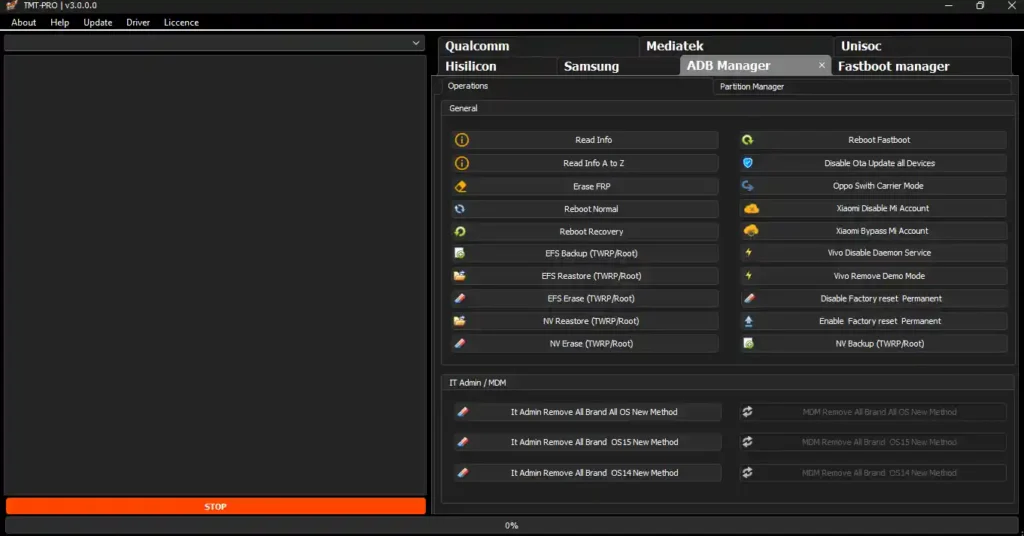
Screenshots


File Information
| Field | Details |
|---|---|
| Tool Name | TMT PRO Tool |
| Version | V3.0.0.3 (Latest – 2026) |
| Platform | Windows 7 / 8 / 10 / 11 (64-bit) |
| Trial Period | 30 Days Free Login |
| File Password | 123 |
| License | Free Trial / Paid (After Trial) |
| Minimum RAM | 4 GB |
Download TMT PRO Tool V3.0.0.3
File Password: 123
⚠️ Warning: Download and use at your own risk. Always back up your device data before performing any FRP bypass, factory reset, or repair operation. For educational and testing purposes only.
Requirements
- A Windows PC or Laptop
- Windows 7 / 8 / 10 / 11 (64-bit recommended)
- Minimum 4 GB RAM
- Android USB Drivers installed for your device brand
- Stable internet connection (required for login and some features)
- Disable Antivirus or Windows Defender before running the tool
How To Install and Use TMT PRO Tool V3.0.0.3
- Download the file from any link above and extract it using WinRAR or 7-Zip (password: 123).
- Disable your antivirus before running the installer.
- Run the setup file as Administrator and complete the installation.
- Launch TMT PRO Tool from the Desktop shortcut.
- Log in using the 30-day free login credentials.
- Power off your Android device.
- Open TMT PRO Tool and select the required option — FRP Remove, Factory Reset, Flash, or Screen Lock Remove.
- Connect the device via USB cable — the tool will detect it automatically.
- Wait for the process to complete.
⚠️ Important: Always install the correct USB driver for your device brand before connecting. Without the proper driver, the tool will not detect the phone.
FAQ
What is TMT PRO Tool?
TMT PRO Tool is a Windows Android servicing utility for mobile technicians covering FRP lock removal, factory reset, userdata format, screen lock removal, and firmware flashing on selected models. It supports Samsung, Xiaomi, Oppo, Vivo, Realme, Tecno, Infinix, and other Android brands through ADB, Fastboot, and Download Mode.
Is TMT PRO Tool free?
New users get 30 days of free access after login. After the trial expires, a paid license is required to continue using the tool.
What is the file extraction password?
The file password is 123 — confirmed from community comments on the source article.
What connection modes does it support?
TMT PRO Tool works through ADB Mode, Fastboot Mode, and Download Mode (for Samsung) — covering standard repair, bootloader, and deep service access depending on the device and function.
What is new in V3.0.0.3?
V3.0.0.3 fixes stability issues with Qualcomm and MTK device detection paths, improves logging for servicing and license sessions, and refines the UI for faster navigation between tool modules.
Does the tool work on all Android brands?
It works on Samsung, Xiaomi, Oppo, Vivo, Realme, Tecno, and Infinix with good coverage. Other Android brands have limited support — not all features are guaranteed to work on every model.
More Tools ⇒