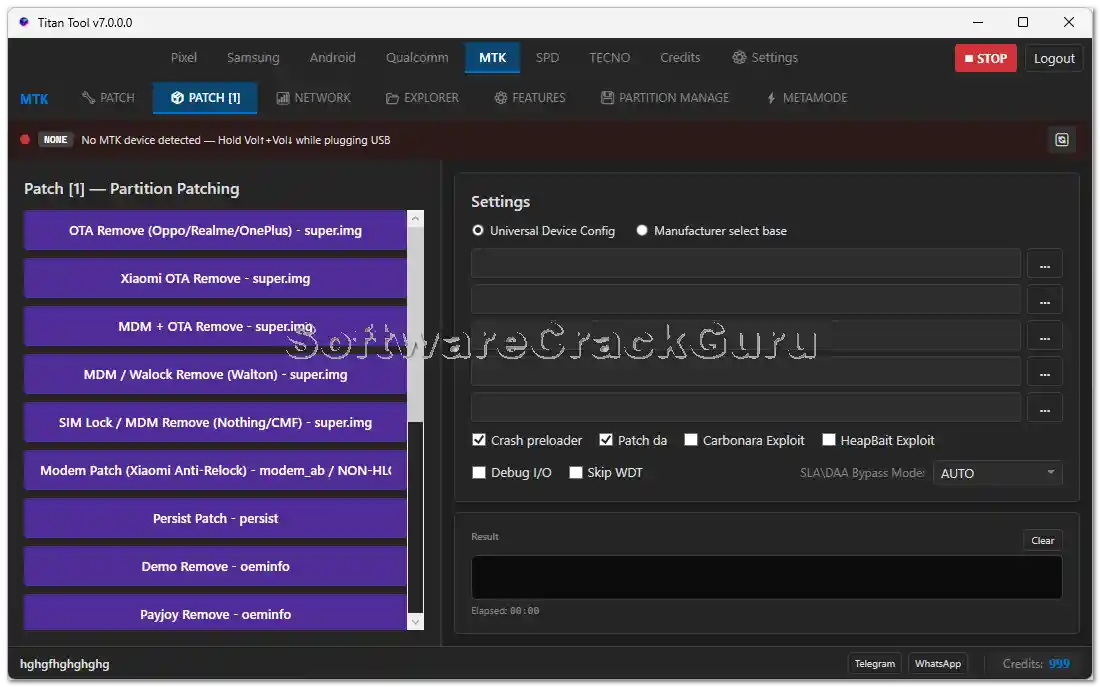
Titan Tool v7.0.0 is a powerful multi-brand Android repair and unlock tool designed for mobile technicians. It covers Samsung, MediaTek, Qualcomm, Unisoc/SPD, and Tecno devices with functions including FRP bypass, IMEI repair, Knox Guard removal, firmware flashing, bootloader unlock, MDM removal, QCN read/write, NV item operations, and a full suite of Android general tools including ADB, Fastboot, App Manager, and file transfer. The tool now comes with an officially free login — no credits or paid activation required to access the main functions. Extract to C: drive and install before running.
Titan Tool v7.0.0 Features
Samsung Functions
- ✅ IMEI Repair
- ✅ FRP Bypass
- ✅ Knox Guard Remove
- ✅ Odin Flash
- ✅ Android 15 / 16 FRP Reset
- ✅ Carrier Unlock
- ✅ Carrier Relock
- ✅ DMI Repair
Qualcomm Functions
- ✅ Read Device Info
- ✅ Read / Flash / Backup / Erase Partitions
- ✅ Read QCN / Write QCN
- ✅ IMEI Repair
- ✅ EFS Detect Port / EFS Information
MediaTek (MTK) Functions
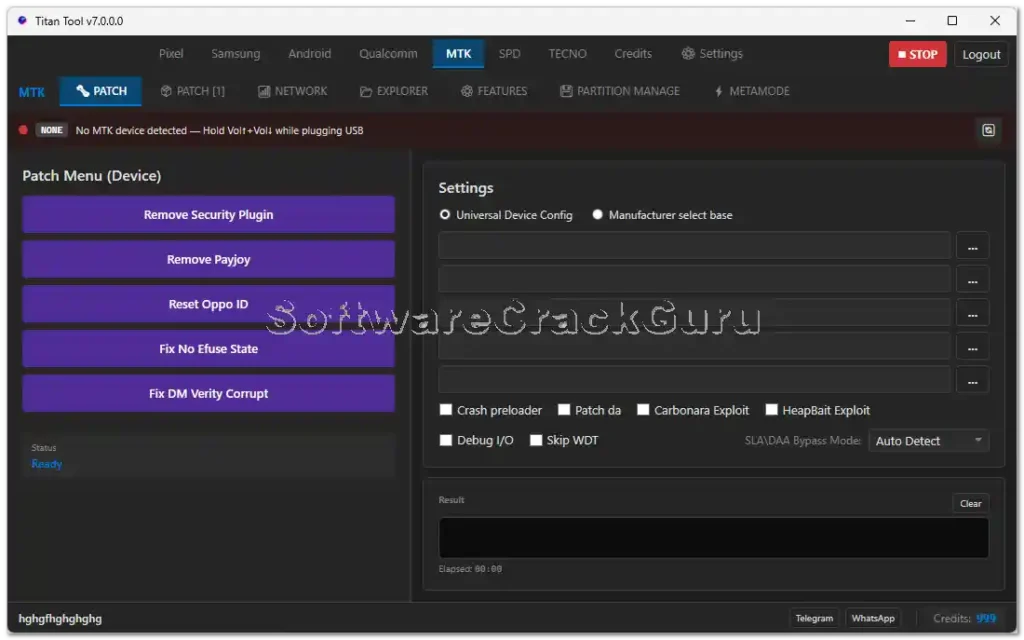
- ✅ Remove Security Plugin / Remove PayJoy
- ✅ Reset OPPO ID / Reset Huawei ID
- ✅ Fix No Fuse State / Fix DM-Verify Corrupt
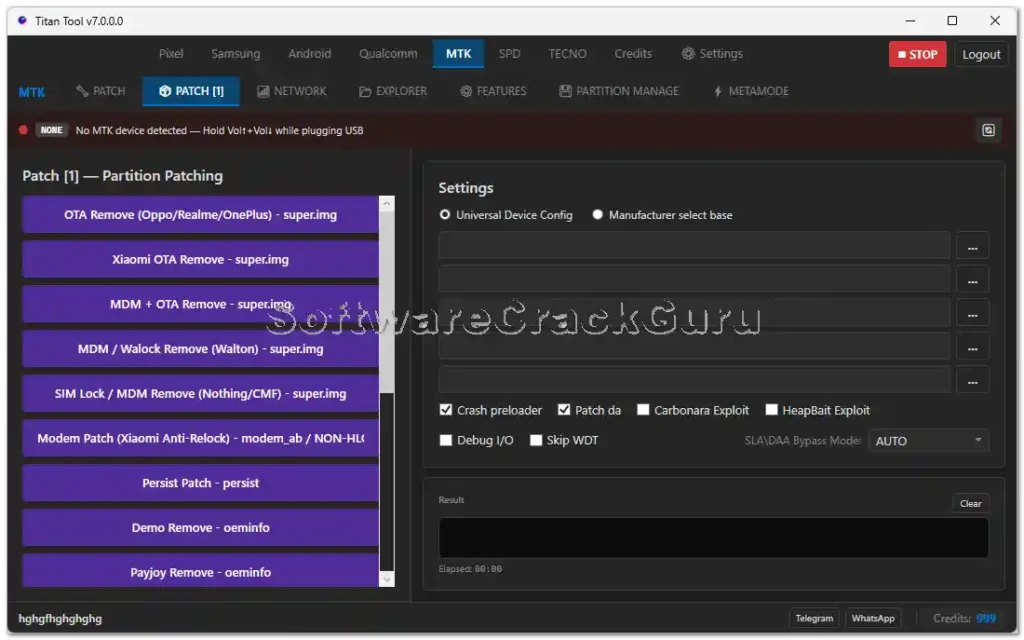
- ✅ OTA Remove / Xiaomi OTA Remove / MDM OTA Remove
- ✅ Walton MDM Remove / SIM Lock & MDM Remove
- ✅ Modem Patch / Persist Patch / Demo Remove
- ✅ Read / Write / Erase / Decrypt NV Items
- ✅ Patch CERT
- ✅ Unlock Bootloader / Unlock BL Permanent / Relock Bootloader
- ✅ Bypass SLA / DAA / SBC
- ✅ Crash Preloader / Bypass FRP
- ✅ Read Partition Tables / Erase Partition / Read Partition
- ✅ Boot to META / Erase FRP / Reset NVDATA
- ✅ Safe Format / Backup NVRAM / Restore NVRAM / Backup Critical
SPD / Unisoc Functions
- ✅ Flash Partitions / Backup Partitions / Erase Partitions
- ✅ Read IMEI / Write IMEI
- ✅ SIM Unlock
Tecno Functions
- ✅ ADB FRP Reset / Factory Reset / Remove MDM / Enable ADB Mode
- ✅ Recovery Reboot / Bootloader Reboot / Normal Reboot
- ✅ SPD FRP Bypass / IMEI Repair SPD / Factory Reset SPD / Write IMEI SPD
- ✅ Remove MDM SPD
Android General Functions
- ✅ App Manager / Logcat Reader
- ✅ Fastboot Reboot / Recovery Tools / ADB Sideload ZIP
- ✅ Screen Capture / Screen Record / File Transfer
- ✅ Device Information / Backup / Restore / Debug
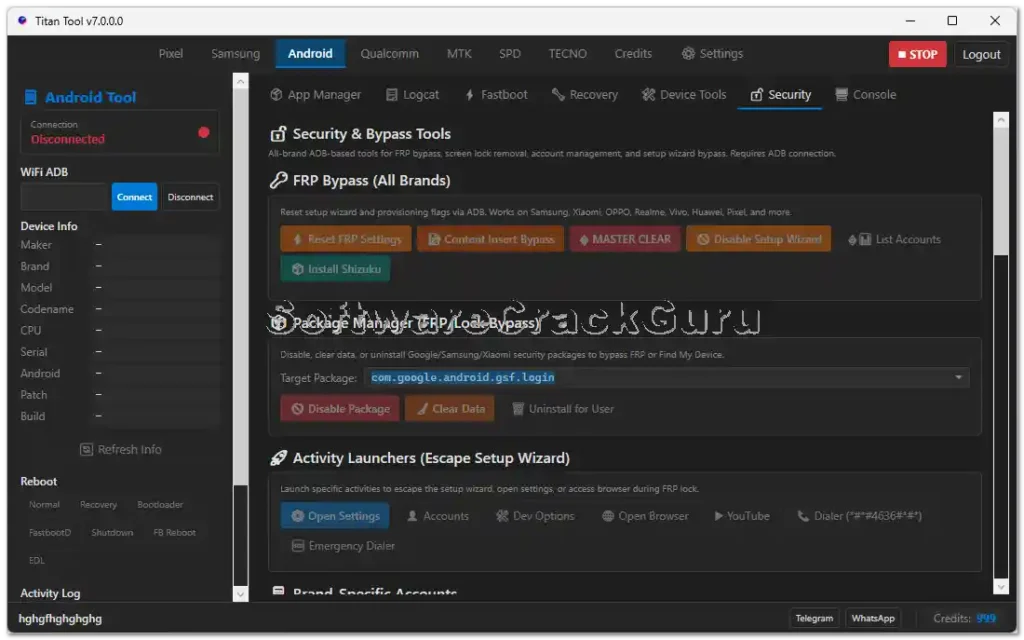
- ✅ FRP Reset All Brands / Content Insert Bypass
- ✅ Master Clear / Disable Setup Wizard / Install Drivers
- ✅ Disable Package / Clear Data / Uninstall Per User
- ✅ Open Settings / Open Accounts / Open Chrome / Open YouTube
- ✅ Emergency Dialer / ADB Console / Fastboot Console
Utility Functions
- ✅ Quick Repair
- ✅ Reinstall Samsung Driver / Fix Driver Repair
- ✅ Refresh ADB Serial
- ✅ Device Manager Shortcut
Screenshots
File Information
| Field | Details |
|---|---|
| Tool Name | Titan Tool |
| Version | v7.0.0 (Latest – May 2026) |
| License | Free – Officially Free Login |
| Platform | Windows |
| File Password | softwarecrackguru |
| Extract To | C: Drive (Required) |
Download Titan Tool v7.0.0
File Password: softwarecrackguru
⚠️ Warning: Always extract to C: drive before installation. Back up your device data before performing any flash, format, or repair operation. For educational and testing purposes only.
Requirements
- A Windows PC or Laptop
- Windows 7 / 10 / 11 (32-bit or 64-bit)
- Samsung / MTK / Qualcomm / SPD USB Drivers installed
- USB data cable to connect your Android device
- Disable Antivirus or Windows Defender before installation
- Extract all files to C: drive before running setup
How To Install and Use Titan Tool v7.0.0
- Download the ZIP file from any link above and extract it to C: drive using password softwarecrackguru.
- Disable your antivirus before running the installation.
- Open the extracted folder and run the setup file following the on-screen instructions.
- Launch Titan Tool from the Desktop shortcut as Administrator.
- Install all drivers from inside the tool — skip if already installed.
- Connect your Android device via USB cable.
- Select the required chipset tab — Samsung, MTK, Qualcomm, SPD, Tecno, or Android.
- Choose the required function and follow the on-screen steps.
⚠️ Important: Always extract to C: drive — extracting to the Desktop or other folders may cause path errors during installation and operation.
FAQ
What is Titan Tool v7.0.0?
Titan Tool v7.0.0 is a free multi-brand Android repair tool supporting Samsung, MediaTek, Qualcomm, Unisoc/SPD, and Tecno devices. It covers FRP bypass, IMEI repair, Knox Guard removal, Odin flash, carrier unlock, bootloader operations, MDM removal, QCN read/write, NV item operations, and a full Android general toolkit including ADB, Fastboot, App Manager, and file transfer.
Is Titan Tool v7.0.0 free?
Yes. Titan Tool v7.0.0 comes with an officially free login — no credits, dongle, or paid activation required. All core functions are accessible after standard installation.
What is the file password?
The ZIP extraction password is softwarecrackguru.
Why must I extract to C: drive?
Extracting to C: drive ensures the tool has correct file path access and permissions during installation. Extracting to the Desktop or restricted folders may cause setup or runtime errors.
Does it support Android 15 and 16 FRP?
Yes. Samsung Android 15 and Android 16 FRP reset is included in the Samsung functions tab.
Which chipsets are supported?
Titan Tool supports Samsung (Exynos/Qualcomm), MediaTek (BROM/META), Qualcomm (EDL/Diag), Unisoc/SPD, and Tecno MTK/SPD platforms.
More Tools ⇒