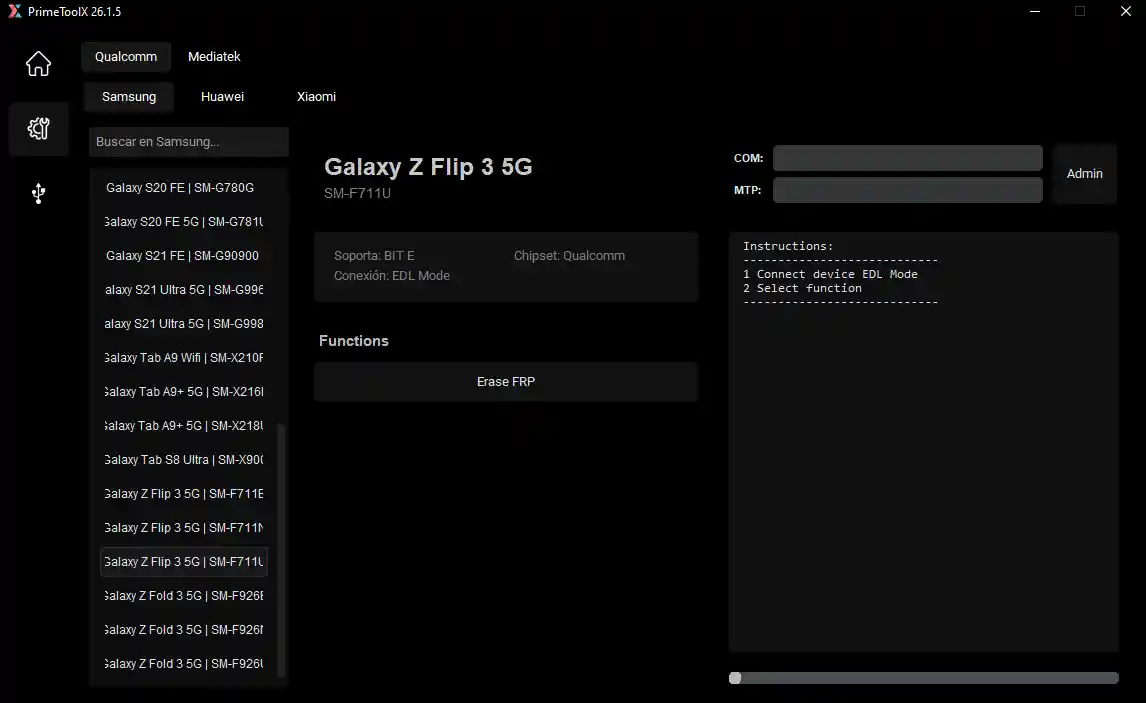
PrimeTool X V26.1 is a free Windows-based multi-brand Android repair and unlocking tool covering Samsung, Xiaomi, LG, and general Android devices. It supports Samsung Test Mode FRP bypass, new security FRP removal, Odin firmware flashing, Xiaomi MiCloud reset and bypass, LG KDZ firmware flash, EDL mode operations, ADB full device control, app management, and screen lock removal. V26.1 brings a new clean dark interface, more Samsung model support, improved Qualcomm and MediaTek compatibility, and a faster FRP removal process. Activation is free — get your code instantly from the official PrimeTool website.
PrimeTool X V26.1 Features
Samsung Functions
- ✅ Samsung Test Mode (#0#)
- ✅ Remove FRP
- ✅ Remove FRP New Security
- ✅ Factory Reset
- ✅ Disable Knox
- ✅ Disable Factory Mode
- ✅ MTP Mode
- ✅ Enable Secret Code (Verizon)
- ✅ Change CSC (ADB)
- ✅ Remove Samsung Account (ADB)
- ✅ Enable Mobile Data Toggle (ADB)
- ✅ Soft Brick Repair (Download Mode)
- ✅ Exit Download Mode
Samsung – Odin Flash
- ✅ BL / AP / CP / CSC / DATA Flashing
- ✅ Auto File Detection
- ✅ ZIP Auto Extract
- ✅ Ignore MD5 Checksum Option
Xiaomi Functions
- ✅ Remove FRP
- ✅ Skip MiCloud
- ✅ Reset MiCloud Lock
- ✅ Bypass MiCloud Anti-Relock
- ✅ Read MiCloud Info Offline
LG Functions
- ✅ LG KDZ Flash (LG UP Tool)
- ✅ Factory Reset (LG EDL Mode)
- ✅ EDL Mode Support
Android – ADB Tools
- ✅ Full ADB Device Control
- ✅ Battery Info
- ✅ Disable OTA Update
- ✅ App Manager (Delete / Disable Apps)
- ✅ Install APK / xAPK
- ✅ Dual Messenger Install
- ✅ Remove Screen Lock (Root)
Utilities
- ✅ Driver Signature Control
- ✅ Samsung USB Driver Install
- ✅ VC++ 2015 Install
What’s New in V26.1
- ✅ New Clean Dark Interface
- ✅ More Samsung Models Added
- ✅ Better Qualcomm & MediaTek Support
- ✅ Faster FRP Remove Process
- ✅ Bug Fixes & Improved Stability
Supported Models
Samsung – Galaxy A02s (SM-A025M), A05s (SM-A057F/G/M), A11, A20s, A23, A52, A72, M23 5G, S20 FE, S21 FE, Z Flip3, Z Fold3
Xiaomi – Xiaomi 12 Pro, Xiaomi 14 Pro, MIX Fold 4
Honor – Honor Pad X7, Honor X8a
Full supported model list is available directly inside the PrimeTool X tool interface.
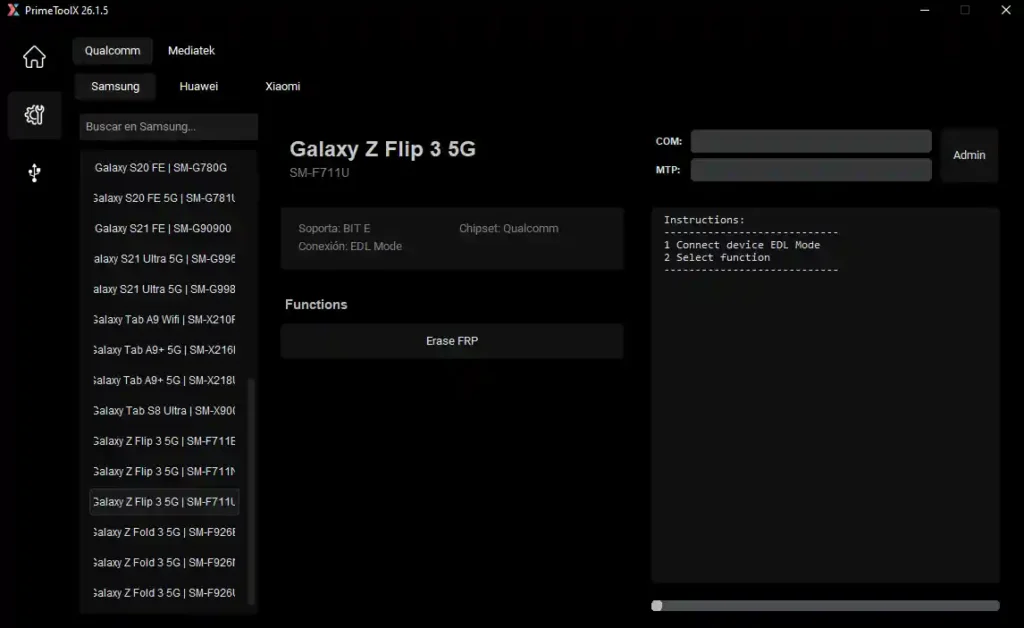
Screenshots

File Information
| Field | Details |
|---|---|
| File Name | PrimeToolX26.1.5.rar |
| Version | V26.1 (Latest – April 2026) |
| Platform | Windows |
| Activation | Free |
| License | Free |
Download PrimeTool X V26.1
⚠️ Warning: Download and use at your own risk. Always back up your device data before performing any FRP bypass, factory reset, or flashing operation. For educational and testing purposes only.
Requirements
- A Windows PC or Laptop
- Windows 7 / 10 / 11 (32-bit or 64-bit)
- Samsung / MTK / Qualcomm USB Drivers installed
- USB Debugging enabled on the Android device (for ADB functions)
- Active internet connection (for activation code retrieval)
- Disable Antivirus or Windows Defender before running the tool
How To Install and Activate PrimeTool X V26.1
- Download the RAR file from any link above and extract it using WinRAR or 7-Zip.
- Disable your antivirus before running the tool.
- Run the PrimeTool X EXE as Administrator (right-click → Run as Admin).
- When the activation screen appears, open your browser and go to
- Copy the free activation code from the page.
- Paste the code into the activation field in the tool and click Login.
- The tool will open — connect your Android device via USB.
- Enable USB Debugging on the device (Settings → Developer Options → USB Debugging).
- Select the required mode and function, then press Start.
⚠️ Important: The activation code is retrieved for free from the official gsmprime.online website — no payment required.
FAQ
What is PrimeTool X V26.1?
PrimeTool X V26.1 is a free Windows Android service tool supporting Samsung, Xiaomi, LG, and general Android devices. It covers Samsung Test Mode FRP bypass, new security FRP removal, Odin flash, MiCloud reset/bypass, LG KDZ flash, EDL mode, ADB full control, app management, and screen lock removal.
Is PrimeTool X completely free?
Yes. The tool is free to use — just retrieve the activation code from gsmprime.online and paste it into the tool at first launch. No payment required.
Where do I get the activation code?
Open your browser and go to — the free activation code is available there directly.
What is new in V26.1?
V26.1 adds a clean new dark interface, more Samsung model support, better Qualcomm and MediaTek compatibility, a faster FRP removal process, and general bug fixes over the previous version.
Does it support Odin flashing?
Yes. The Samsung Odin Flash section supports BL/AP/CP/CSC/DATA file flashing with Auto File Detection, ZIP Auto Extract, and optional MD5 ignore for compatibility with modified firmware.
Does the tool need USB Debugging?
Yes — for all ADB-based operations including app management, OTA disable, CSC change, and Samsung account removal, USB Debugging must be enabled in Developer Options on the Android device.
More Tools ⇒