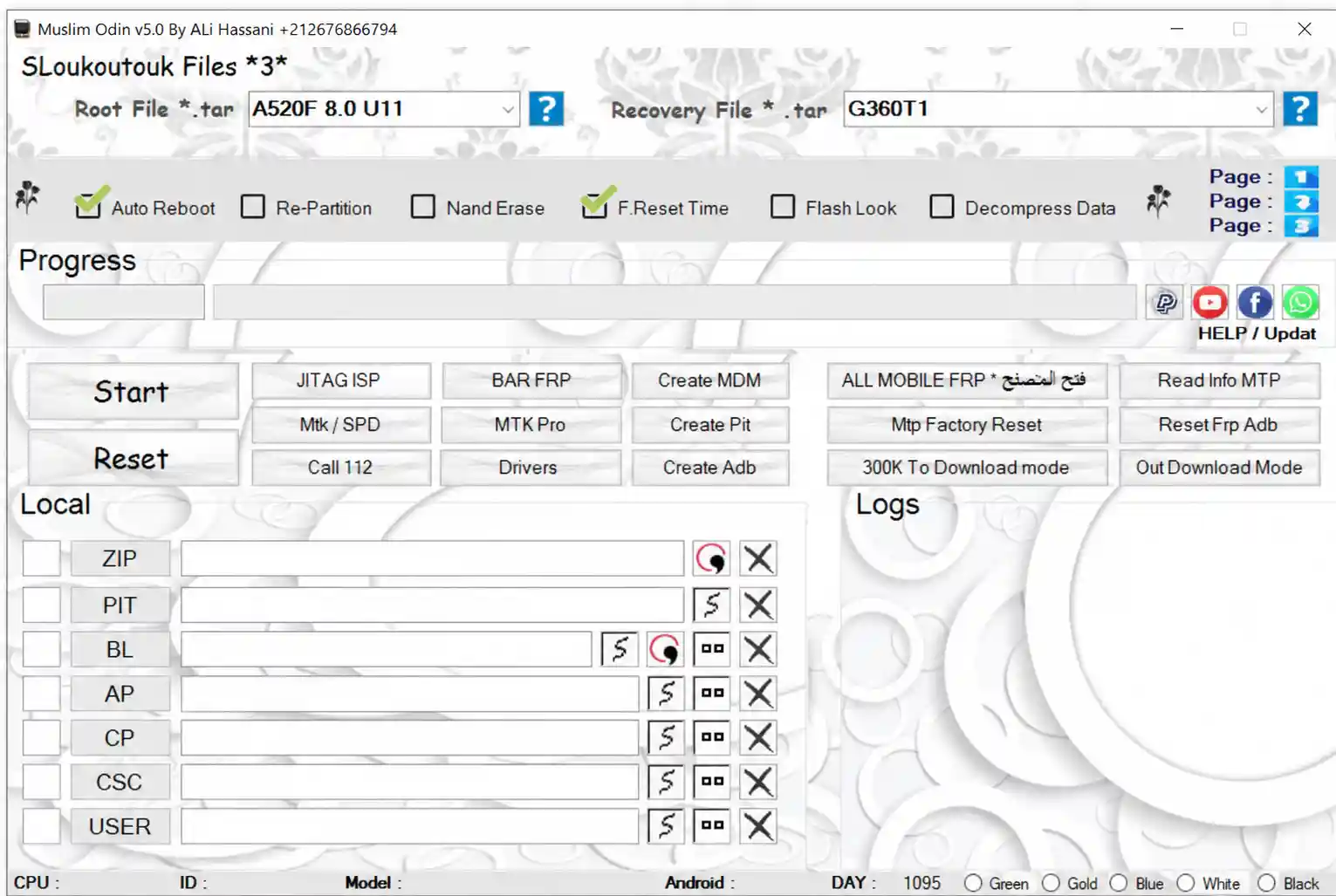
Muslim Odin v5.0 is a Samsung flashing tool shared free by RE GURU, built around a unique three-page layout for firmware, security, and root/recovery modules. The tool connects to an online server, letting technicians auto-download supported files — FRP, PIT, ADB, KG/RMM, MDM, CERT, Root, and Recovery — simply by selecting a model, instead of hunting for files manually. This is a free, third-party shared release; the original developer of the base tool remains unknown, so use it strictly at your own risk.
Muslim Odin v5.0 Features
Page 1 – Firmware Modules
- ✅ FRP File Download (Online Server)
- ✅ PIT File Download (Online Server)
- ✅ ADB File Download (Online Server)
- ✅ Automatic File Loading After Model Selection
- ✅ No Manual Searching for Supported Files
Page 2 – Security Modules
- ✅ KG/RMM File Module
- ✅ MDM File Module
- ✅ CERT File Module
- ✅ Model-Based Server Download for Each Module
Page 3 – Root & Recovery Modules
- ✅ Root File Download
- ✅ Recovery File Download
- ✅ Instant Page Switching (Flash Panel Stays Fixed)
Flashing & Utility Functions
- ✅ BL / AP / CP / CSC / USER Flashing Slots
- ✅ ZIP File Loading
- ✅ PIT File Loading
- ✅ Auto Reboot
- ✅ Re-Partition
- ✅ NAND Erase
- ✅ F.Reset Time
- ✅ Flash Lock Option
- ✅ Decompress Data
- ✅ Read Info via MTP
- ✅ Reset FRP via ADB
- ✅ MTP Factory Reset
Additional Modules & Tools
- ✅ 300K To Download Mode
- ✅ Out Download Mode
- ✅ JTAG ISP Support
- ✅ BAR FRP Function
- ✅ Create MDM / PIT / ADB Files
- ✅ MTK/SPD Support Package
- ✅ Built-in Driver Installer
- ✅ Live Logs Window
- ✅ Facebook, YouTube & WhatsApp Shortcuts
Supported Devices
- ✅ Samsung Galaxy Series (BL/AP/CP/CSC based models)
- ✅ Samsung Models Supporting FRP, PIT & ADB Server Files
- ✅ Samsung Models Supporting KG/RMM, MDM & CERT Modules
- ✅ Samsung Models Supporting Root & Recovery Files
- ✅ Additional MTK/SPD Devices via Support Package
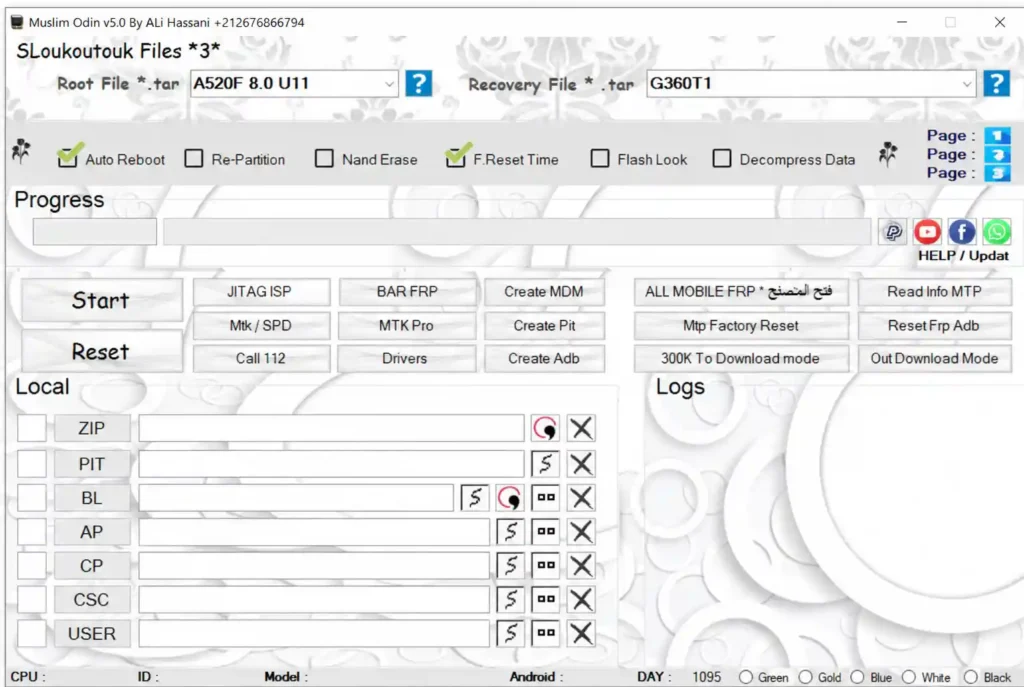
Screenshots
File Information
| Field | Details |
|---|---|
| Tool Name | Muslim Odin |
| Version | V5.0 (Latest) |
| Shared By | RE GURU |
| File Name | Muslim_Odin_Tool_V5.0_Free.rar |
| File Size | 203 MB |
| Platform | Windows |
| Category | Samsung Flashing Tool |
| License | Freeware (Third-Party Shared Version) |
| File Password | gsmyogesh |
Download Muslim Odin v5.0
File Password: gsmyogesh
⚠️ Important Notice: Muslim Odin is shared free by RE GURU. The original developer of this tool is unknown and this is not an official release. All files shared on this website are for educational and testing purposes only. Scan any downloaded file before use and download strictly at your own risk.
Requirements
| Component | Requirement |
|---|---|
| OS | Windows 10 / 11 |
| Processor | Intel Core i3 or faster (recommended) |
| RAM | 4 GB minimum (8 GB recommended) |
| Storage | 1 GB+ free (more space needed for server-downloaded modules) |
| USB Port | USB 2.0 or 3.0 |
| Internet | Required for login, activation & server-based module downloads |
- Install USB drivers first so your Samsung device is detected properly.
- Disable Antivirus or Windows Defender temporarily during installation (may flag a false positive).
- Keep a stable internet connection active, since FRP, PIT, ADB, KG/RMM, MDM, CERT, Root, and Recovery files load directly from an online server.
How To Install and Activate Muslim Odin v5.0
- Download the file from the links above and extract it using the password gsmyogesh.
- Right-click the EXE file and select Run as Administrator.
- If Windows Defender SmartScreen appears, click More info, then Run anyway.
- Allow the request when Windows Firewall prompts for access.
- The RE GURU launcher will open automatically and may also open the developer’s Facebook page in your browser — you can close that tab and keep the launcher running.
- Wait for the login screen to appear.
- Enter the login credentials:
- Email: admin@regurutool.com
- Password: 1337
- Click LOGIN.
- Wait until the status shows Server Connected.
- Click the green REGISTER button to complete activation.
- The main Muslim Odin window opens once activation is successful.
- Connect your Samsung device, select the needed page (Page 1, 2, or 3) and model, then begin flashing or downloading server files.
⚠️ Note: The MTK Pro section requires downloading an additional package before use. All server-based modules also require an active internet connection to fetch files.
FAQ
What is Muslim Odin v5.0? Muslim Odin is a Samsung flashing tool shared free by RE GURU, featuring a three-page module layout (firmware, security, root/recovery) alongside an online server system that auto-downloads supported files based on the selected model.
Is Muslim Odin v5.0 free to use? Yes, this version is shared as a free release by RE GURU. The original developer of the base tool is not officially known.
What is different between the three pages? Page 1 handles FRP, PIT, and ADB modules. Page 2 handles KG/RMM, MDM, and CERT modules. Page 3 handles Root and Recovery modules. The BL/AP/CP/CSC/USER flashing panel at the bottom stays fixed across all three pages.
Does the tool need an internet connection? Yes. Basic flashing functions work offline, but the FRP, PIT, ADB, KG/RMM, MDM, CERT, Root, and Recovery modules pull files from an online server and require an active connection.
What are the login credentials for activation? Use the email admin@regurutool.com with password 1337, then click REGISTER once the status shows Server Connected.
What is the archive password? The extraction password is gsmyogesh — use it when unpacking the file with WinRAR or 7-Zip.
More Tools ⇒