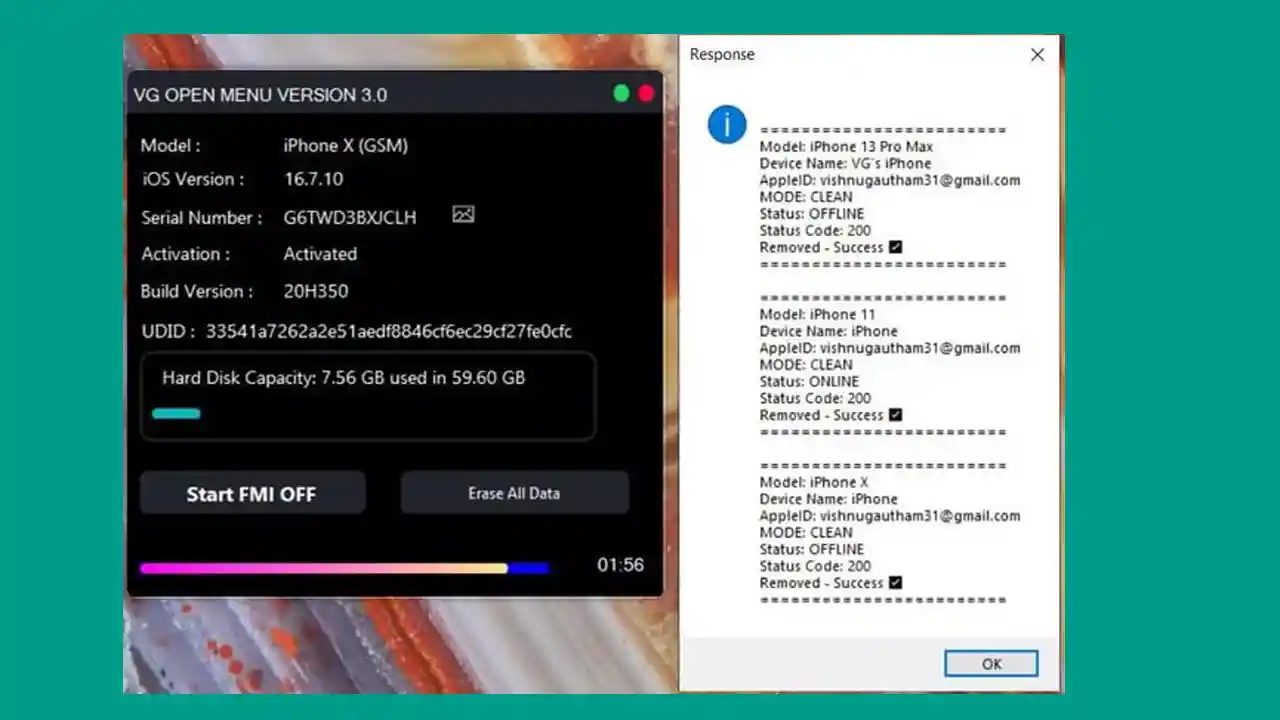
VG Open Menu Tool V3.0 is a free iCloud activation lock removal tool designed specifically for Open Menu devices — iPhones that still show the previous owner’s iCloud ID. If you purchased a second-hand iPhone and cannot use your own iCloud account because the previous owner’s lock is still active, this tool is built to solve that problem. The tool works directly with Apple’s servers to perform FMI Off (Find My iPhone Off) without requiring a proxy, iTunes backup, or Elcom. Version 3.0 brings a completely new UI, full iOS 18.x support, and improved backup speed and stability.
⚠️ Important Note before you start:
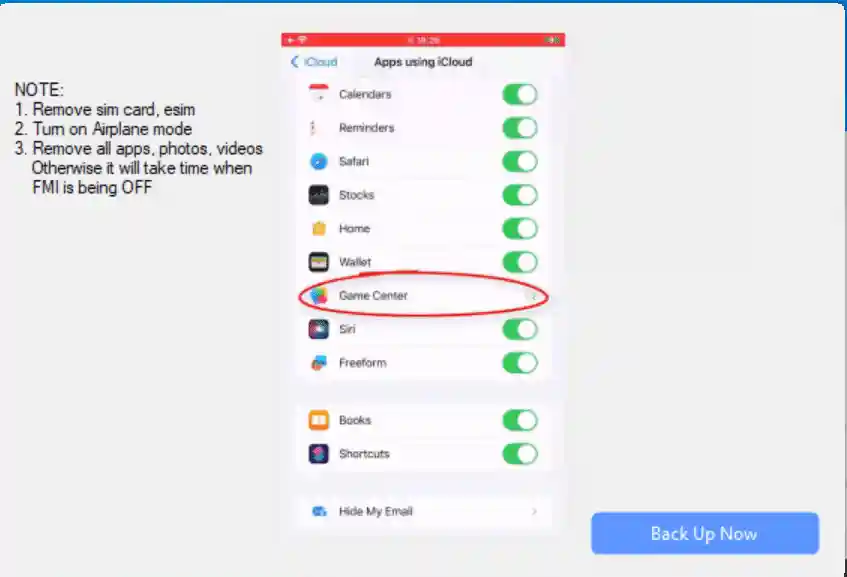
- Remove your SIM Card before starting the process.
- Turn off Airplane Mode.
- Delete all apps, photos, and videos before starting — otherwise the FMI Off process will take much longer.
VG Open Menu Tool Features
- ✅ iCloud Activation Lock Removal (FMI Off)
- ✅ Works Only on Open Menu Devices
- ✅ No Proxy Required
- ✅ No iTunes / 3uTools Backup Required
- ✅ No Elcom Required
- ✅ Game Center Enable / Disable (No iCloud Password Needed)
- ✅ iCloud Storage Must Be Loaded Before Starting
- ✅ Fully Supports iOS 18.x
- ✅ New and Improved UI
- ✅ Faster Backup Operation and FMI Off Speed
- ✅ Improved Stability and Fast Server Response
- ✅ Unlimited Access (for limited period)
Supported Devices
- ✅ iPhone 6 (2014)
- ✅ iPhone 6 Plus (2014)
- ✅ iPhone 6s (2015)
- ✅ iPhone 6s Plus (2015)
- ✅ iPhone SE 1st Generation (2016)
- ✅ iPhone 7 (2016)
- ✅ iPhone 7 Plus (2016)
- ✅ iPhone 8 (2017)
- ✅ iPhone 8 Plus (2017)
- ✅ iPhone X (2017)
- ✅ iPhone XR (2018)
- ✅ iPhone XS (2018)
- ✅ iPhone XS Max (2018)
- ✅ iPhone 11 (2019)
- ✅ iPhone 11 Pro (2019)
- ✅ iPhone 11 Pro Max (2019)
- ✅ iPhone SE 2nd Generation (2020)
- ✅ iPhone 12 (2020)
- ✅ iPhone 12 mini (2020)
- ✅ iPhone 12 Pro (2020)
- ✅ iPhone 12 Pro Max (2020)
- ✅ iPhone 13 (2021)
- ✅ iPhone 13 mini (2021)
- ✅ iPhone 13 Pro (2021)
- ✅ iPhone 13 Pro Max (2021)
- ✅ iPhone 14 (2022)
- ✅ iPhone 14 Plus (2022)
- ✅ iPhone 14 Pro (2022)
- ✅ iPhone 14 Pro Max (2022)
- ✅ iPhone 15 (2023)
- ✅ iPhone 15 Plus (2023)
- ✅ iPhone 15 Pro (2023)
- ✅ iPhone 15 Pro Max (2023)
Changelogs v3.0
VG Open Menu Tool V3.0 — Updated: 9 October 2024
[New] Updated New UI of Tool
[New] Added Full iOS 18.x Support
[Fix] Fixed backup operation and improved speed
[New] Improved stability and fast server response
[New] Increased backup operation speed and faster FMI Off

NOTE: The old tool versions are no longer working.
Apple has shut them down. Delete all old tool versions
and use V3.0 only. Open for use for those who have purchased it.
Screenshots
Download VG Open Menu Tool V3.0
NEW Version:
VG Open Menu Tool V3.0 (JioAiCloud)
OLD Version:
VG Open Menu Tool (Pixeldrain)
Previous Version:
VG Open Menu Tool – Previous (MEGA) | Password: softwarecrackguru
⚠️ Warning: Download and use at your own risk. Always back up your device data before performing any iCloud removal operation. The old tool is no longer working — use V3.0 only.
How To Use VG Open Menu Tool V3.0
- Remove the SIM card from the iPhone before starting.
- Make sure Airplane Mode is turned OFF (Wi-Fi must be connected).
- Delete all apps, photos, videos, and clear unnecessary data under iCloud Storage → Manage Account Storage → General → iPhone Storage.
- If a backup password was set previously using iTunes or 3uTools, remove it manually before proceeding.
- Download and extract VG Open Menu Tool V3.0 from the link above.
- Run the tool as Administrator on your Windows PC.
- Connect your iPhone via USB cable.
- Follow the on-screen instructions and click Start to begin the FMI Off process.
- Wait for the process to complete — your device’s iCloud activation lock will be removed.
⚠️ Note: This tool works only on Open Menu devices. iCloud Storage must be loaded on the device before starting the process. If the previous owner set a 3uTools or iTunes backup password, you must remove it manually first.
FAQ
What is VG Open Menu Tool?
VG Open Menu Tool is a free Windows-based iCloud activation lock removal tool. It is designed for Open Menu iPhones that still carry the previous owner’s iCloud ID. The tool removes the FMI (Find My iPhone) lock directly through Apple’s servers without requiring a proxy, Elcom, or iTunes backup.
Is VG Open Menu Tool free?
Yes, VG Open Menu Tool V3.0 is available as a free download with unlimited access for a limited period.
Which iPhones does it support?
The tool supports iPhone 6 through iPhone 15 series, including all Pro and Max variants. Full iOS 18.x support is included in V3.0.
Why is my old version of the tool not working?
Apple has shut down the servers used by older versions of the tool. You must delete all old versions and use V3.0 exclusively for the tool to work correctly.
Does it require iTunes or a backup?
No. VG Open Menu Tool does not require iTunes backup, 3uTools backup, proxy, or Elcom. However, if a backup password was previously set using those tools, you will need to remove it manually before starting.
What does “Open Menu Device” mean?
An Open Menu device is an iPhone that shows the main home screen but still has the previous owner’s iCloud account active. The tool is specifically designed for this scenario — it will not work on Activation Lock screen (SOS/emergency screen) devices.
How long does the FMI Off process take?
The process time depends on the amount of data on the device. For faster results, delete all apps, photos, videos, and unnecessary files from iCloud Storage before starting the process.
More Tools ⇒