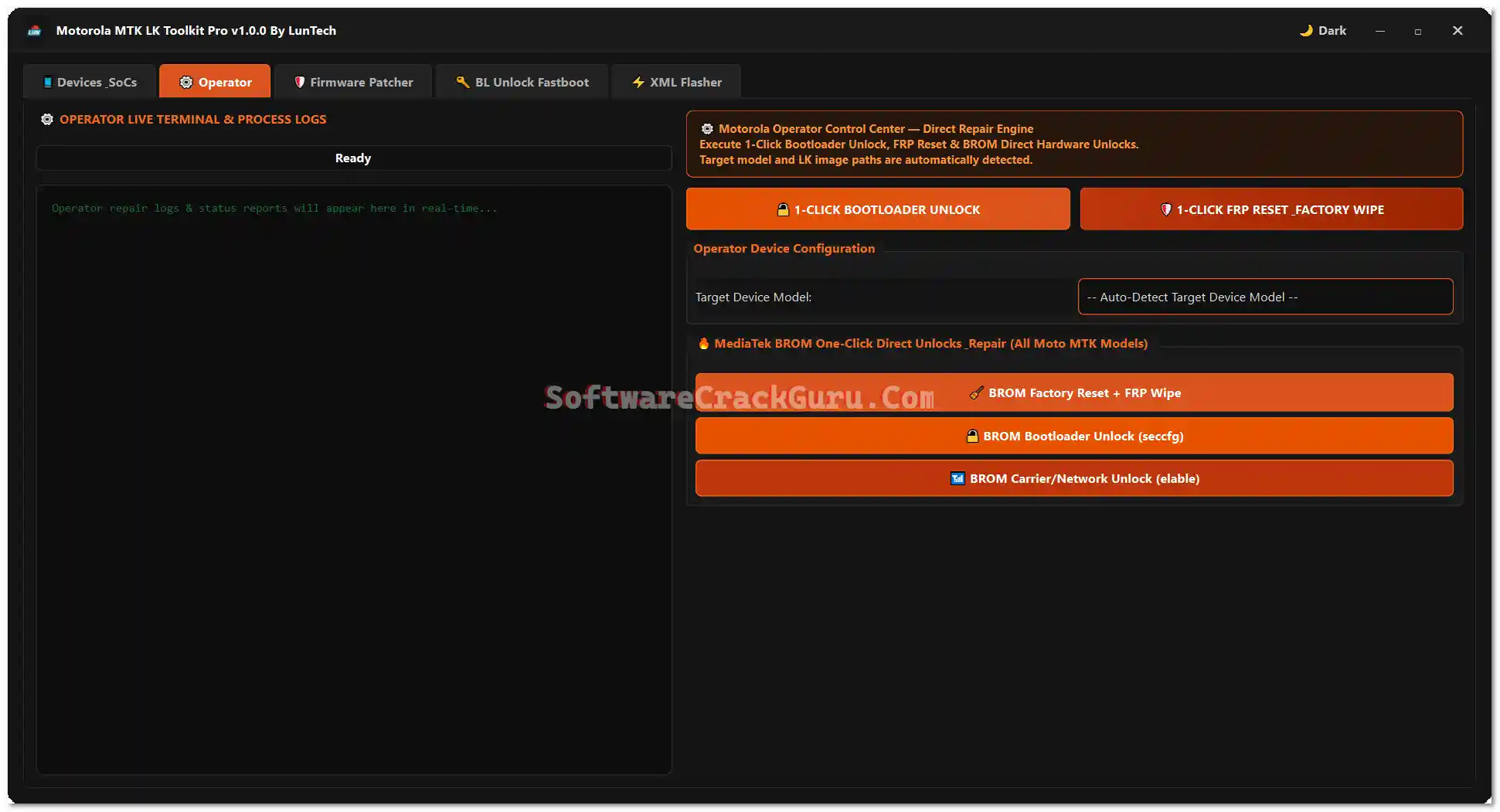
Motorola MTK LK Toolkit Pro v1.0.0 is a specialized free Windows tool developed by LunTech for servicing Motorola MediaTek (MTK) devices. It brings together five dedicated sections — Devices/SoCs, Operator, Firmware Patcher, BL Unlock Fastboot, and XML Flasher — covering 1-click bootloader unlock, 1-click FRP reset, BROM factory reset, BROM carrier/network unlock, LK/LK2/preloader firmware patching, Fastboot device reading and unlock key generation, and Motorola flashfile.xml/servicefile.xml firmware flashing. The supported model list covers 40+ Moto G, Moto Edge, and Moto Razr devices from 2021 through 2026. No password required.
Motorola MTK LK Toolkit Pro Features
Devices / SoCs Tab
- ✅ Full Supported Motorola MTK Device List with Model Numbers and Codenames
- ✅ Search Supported Models by Model Number or Codename
- ✅ Auto-Detect Target Device Model
Operator Functions (BROM)
- ✅ 1-Click Bootloader Unlock
- ✅ 1-Click FRP Reset and Factory Wipe
- ✅ BROM Factory Reset + FRP Wipe
- ✅ BROM Bootloader Unlock using seccfg
- ✅ BROM Carrier / Network Unlock
- ✅ Fix Comserver / FRP Reset Wipe
Firmware Patcher
- ✅ Patch
lk.img,lk2.imgandpreloader.bin - ✅ Unlock Gate
- ✅ FRP Bypass via Firmware Patch
- ✅ Secure Boot Strip
- ✅ Strip Certs Operation
- ✅ Auto Code-Cave + Entry Hook Bypass Payload Injection
- ✅ Patch LK Only Option
BL Unlock Fastboot
- ✅ Read Device Information from Fastboot Mode
- ✅ Automatically Read Serial Number in Fastboot Mode
- ✅ Manual Serial Number / IMEI / Chip ID / Model Input
- ✅ Generate Unlock Key
- ✅ Unlock Key Verifier
- ✅ Direct Bootloader Unlock
- ✅ Direct FRP Option
- ✅ Flash LK to Fastboot
XML Flasher
- ✅ Flash Motorola
flashfile.xmlFirmware Package - ✅ Flash Motorola
servicefile.xmlFirmware Package - ✅ Read Fastboot Information from XML Flasher Section
- ✅ BROM Flash via MTKClient
General
- ✅ Live Terminal and Process Logs for All Operations
Supported Motorola Models
| Model Number | Device Name | Codename |
|---|---|---|
| XT2133-1 | Moto G60s | lisbon |
| XT2139-1 | Moto Edge 20 Lite | kyoto |
| XT2149-1 | Moto G50 5G (2021) | saipan |
| XT2163-1 | Moto G Pure | borneo |
| XT2165-5 | Moto G Power (2022) | tongaa |
| XT2167-1 | Moto G41 | corfu |
| XT2173-3 | Moto G31 | wight |
| XT2205-3 | Moto Edge (2022) | dubai |
| XT2211-2 | Moto G Stylus (2022) | milanf |
| XT2213-3 | Moto G 5G (2022) | austin |
| XT2237-1 | Moto G73 5G (2023) | devon |
| XT2255-3 | Moto G72 | victoria |
| XT2271-5 | Moto G Play (2023) | rhodep |
| XT2303-2 | Moto Edge 40 (2023) | lyriq |
| XT2305-1 | Moto Edge (2023) | rtwo |
| XT2307-1 | Moto Edge 40 Neo 5G (2023) | manaus |
| XT2311-3 | Moto G Power 5G (2023) | denver |
| XT2317DL | Moto G Stylus (2023) | genealogic |
| XT2343-1 | Moto G54 5G | cancunf |
| XT2409-2 | Moto Edge 50 Neo 5G (2024) | pnangf |
| XT2413-1 | Moto G Play 5G | scout |
| XT2415-5 | Moto G Power 5G (2024) | ruby5g |
| XT2431-1 | Moto G64 5G | devonf |
| XT2435-1 | Moto G55 5G (2024) | — |
| XT2453-1 | Moto Razr 50 / Razr (2024) | — |
| XT2503-1 | Moto Edge 60 Fusion | — |
| XT2503-2 | Moto Edge 60 Fusion | — |
| XT2505-3 | Moto Edge 60 | — |
| XT2507-1 | Moto Edge 60 Pro | — |
| XT2509-1 | Moto Edge 60 Neo | — |
| XT2513-1 | Moto G 5G (2025) | — |
| XT2515-2 | Moto G Power 5G (2025) | — |
| XT2519-1 | Moto Edge (2025) | — |
| XT2527-1 | Moto G86 5G | — |
| XT2527-2 | Moto G86 5G | — |
| XT2527-6 | Moto G86 Power 5G | — |
| XT2529-1 | Moto G56 5G (2025) | — |
| XT2529-3 | Moto G66j 5G | — |
| XT2553-1 | Moto Razr 60 / Razr (2025) | — |
| XT2607-2 | Moto Edge 70 Pro | — |
| XT2613-1 | Moto G (2026) | — |
| XT2615-1 | Moto G Play (2026) | — |
| XT2621-3 | Moto G67 (2026) / Moto G77 5G | — |
| XT2625-5 | Moto G47 5G | — |
| XT2625-6 | Moto G37 | — |
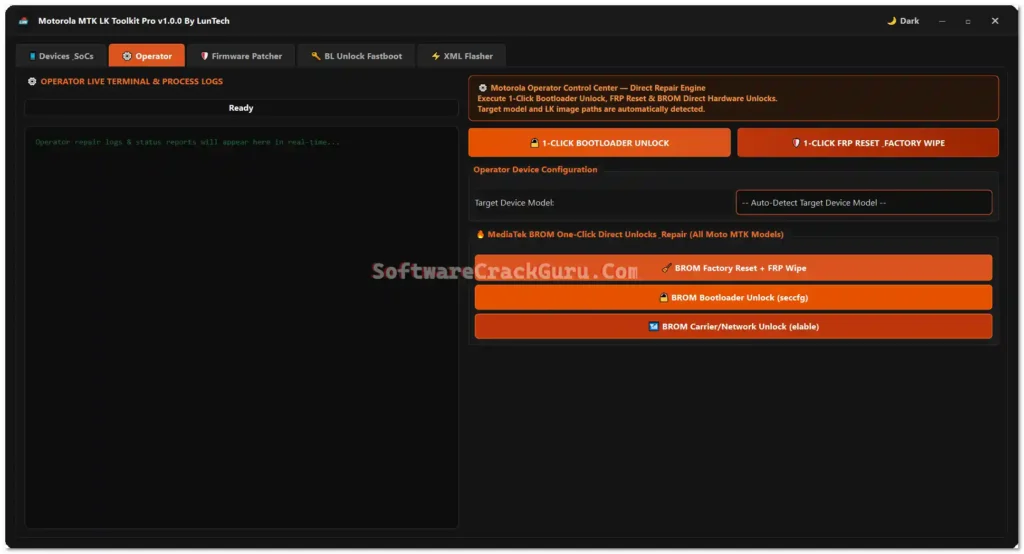
Screenshots



File Information
| Field | Details |
|---|---|
| File Name | Motorola MTK LK Toolkit Pro v1.0.0 By LunTech.rar |
| Version | v1.0.0 (Latest – August 13, 2026) |
| Developer | LunTech |
| Platform | Windows |
| File Password | None Required |
| License | Free |
| Supported Devices | Motorola MTK Devices (40+ Models) |
Download Motorola MTK LK Toolkit Pro v1.0.0
⚠️ Warning: Download and use at your own risk. Always back up your device data before performing any BROM, bootloader, or firmware operation. This tool is for Motorola MTK devices only — do not use on unsupported models. For educational and testing purposes only.
Requirements
- A Windows PC or Laptop (Windows 10 / 11 recommended)
- Motorola USB Drivers installed on your PC
- WinRAR or 7-Zip to extract the RAR file
- Device in BROM / Fastboot mode (depending on the function)
- Motorola flashfile.xml or servicefile.xml firmware (for XML Flasher functions)
- Disable Antivirus or Windows Defender before running the tool
How To Install and Use Motorola MTK LK Toolkit Pro v1.0.0
- Download the RAR file from the OneDrive link above — no password required.
- Extract the contents using WinRAR or 7-Zip.
- Open the extracted Motorola MTK LK Toolkit Pro v1.0.0 By LunTech folder.
- Right-click Motorola MTK LK Toolkit Pro v1.0.0 By LunTech.exe and select Run as Administrator.
- If Windows SmartScreen warns you, click More info → Run anyway.
- The tool opens with five tabs — Devices/SoCs, Operator, Firmware Patcher, BL Unlock Fastboot, and XML Flasher.
- Use the Devices/SoCs tab first to confirm your Motorola model is supported.
- Connect your device via USB in the correct mode:
- BROM mode — for Operator functions (FRP, bootloader, carrier unlock)
- Fastboot mode — for BL Unlock Fastboot and XML Flasher functions
- Select the required tab and function, then press the relevant button.
- Monitor the live terminal log for real-time progress.
⚠️ Important: Check the supported model list before starting any operation. Operations performed on unsupported models may fail or cause boot issues.
FAQ
What is Motorola MTK LK Toolkit Pro?
Motorola MTK LK Toolkit Pro v1.0.0 is a free dedicated Windows tool by LunTech for Motorola MediaTek devices. It covers 1-click bootloader unlock, FRP reset, BROM factory reset, BROM carrier/network unlock, LK/LK2/preloader firmware patching, Fastboot device reading and unlock key generation, and flashfile.xml/servicefile.xml firmware flashing — across 40+ Moto G, Edge, and Razr models from 2021–2026.
Is the tool completely free?
Yes. The tool is free with no file password, activation code, or account required. Download the RAR, extract, and run as Administrator.
What is LK Patching?
LK (Little Kernel) is the bootloader component responsible for device security checks on Motorola MTK devices. Patching LK (lk.img, lk2.img, or preloader.bin) removes or bypasses security checks — enabling bootloader unlock, FRP bypass, Secure Boot strip, and certificate removal without going through the official unlock process.
What is BROM mode?
BROM (Boot ROM) mode is a deep hardware access mode on MediaTek devices triggered before the bootloader loads. The Operator functions in this tool use BROM to perform factory reset, FRP wipe, bootloader unlock (via seccfg), and carrier/network unlock at the hardware level.
What firmware files do I need for the XML Flasher?
The XML Flasher supports Motorola flashfile.xml and servicefile.xml firmware packages — the official Motorola service firmware format. These are available from Motorola’s official firmware repositories or authorized service providers.
Does the tool support 2026 Moto models?
Yes. The supported model list includes 2026 Moto devices including XT2613-1 (Moto G 2026), XT2615-1 (Moto G Play 2026), XT2621-3 (Moto G67 2026 / G77 5G), XT2625-5 (Moto G47 5G), and XT2625-6 (Moto G37).
More Tools ⇒