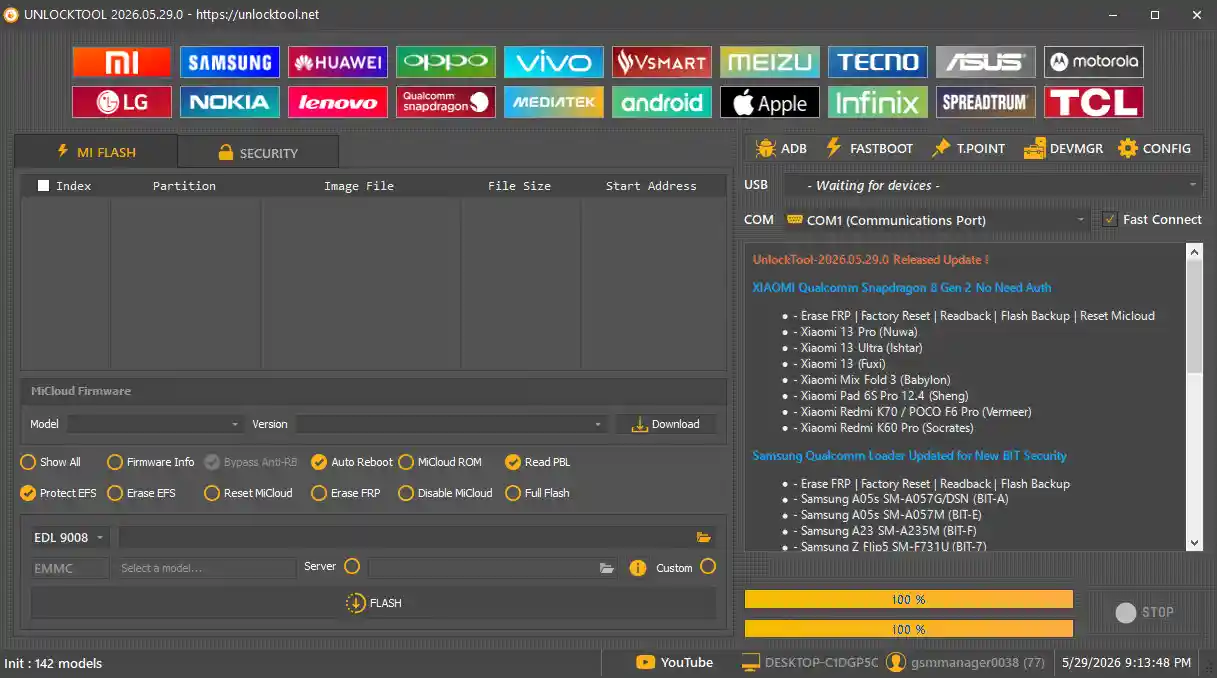
Unlock Tool V2026.05.29.0 is the latest release of the popular multi-brand Android service software developed by unlocktool.net. It supports MediaTek, Qualcomm, and SPD chipsets and covers a wide range of repair functions including FRP removal, screen lock bypass, IMEI repair, firmware flashing, bootloader unlock, and network data repair — all in one place. The tool works with over 1,000 smartphone models from brands like Samsung, Xiaomi, Huawei, Oppo, Vivo, Realme, Tecno, Infinix, LG, Nokia, ZTE, and Lenovo. This version adds Xiaomi Snapdragon 8 Gen 2 no-auth support and updated Samsung Qualcomm loader for new BIT security.
Unlock Tool Features
Unlock & Reset
- ✅ FRP Remove (All Major Chipsets – MTK, Qualcomm, SPD)
- ✅ Screen Lock Remove (PIN / Pattern / Password)
- ✅ Bootloader Unlock
- ✅ Factory Reset / Format Device
- ✅ Xiaomi ID Remove / Huawei ID Remove
- ✅ OPPO ID Remove
- ✅ Demo Remove (Samsung)
Flashing & Backup
- ✅ Flash Firmware (Read / Write Flash)
- ✅ Read Info / Read Dump / Write Dump
- ✅ Partition Manager
- ✅ Root Device
IMEI & Network Repair
- ✅ IMEI Repair (MTK & Qualcomm)
- ✅ Repair Bluetooth Address
- ✅ Repair Wi-Fi MAC
- ✅ Repair Serial Number (S/N)
- ✅ Write Certificate
- ✅ Wipe EFS
- ✅ Repair Vendor / Country Code
Extra Functions
- ✅ QCN Read / Write
- ✅ FRP Reset via UART (eMMC / UFS / Download Mode)
- ✅ Read Bootloader Code
Supported Brands & Models
Unlock Tool supports 1,000+ Android models across all major brands:
- ✅ Samsung (Galaxy S, A, Note, J Series)
- ✅ Xiaomi / Redmi / POCO (All MTK & Qualcomm Devices)
- ✅ Huawei / Honor (FRP & Bootloader Unlock)
- ✅ Oppo / Realme / Vivo (Pattern & FRP Removal)
- ✅ Tecno / Infinix / Itel (IMEI & FRP Fix)
- ✅ LG, Nokia, ZTE, Lenovo (Bootloader Unlock)
Full supported model list available at unlocktool.net/models
File Information
| Field | Details |
|---|---|
| File Name | UnlockTool-2026-05-29-0.zip |
| Version | V2026.05.29.0 |
| File Size | 198 MB |
| Developer | unlocktool.net |
| Activation | Paid (Official Account Required) |
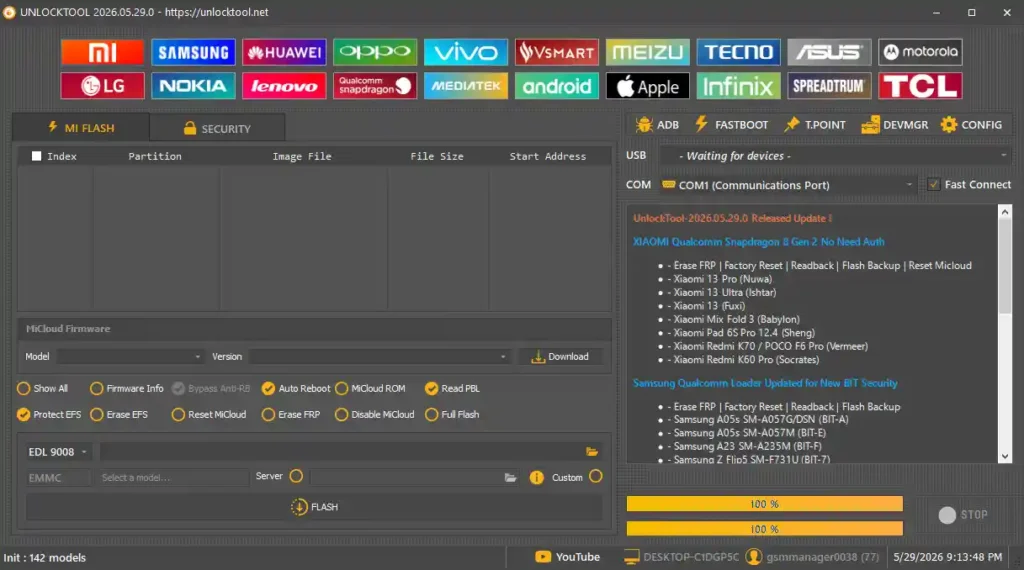
Screenshots
Download Unlock Tool V2026.05.29.0
⚠️ Warning: Download and use at your own risk. Always back up your device data before performing any repair or flashing operation.
Requirements
- A Windows PC or Laptop
- Windows 10 or Windows 11 (64-bit recommended)
- Active internet connection (required for login and activation)
- Registered account at unlocktool.net
- Paid activation credits from an official reseller
- Proper USB drivers installed for your device brand
- Disable Antivirus or Windows Defender before running the tool
How To Install and Activate Unlock Tool
- Download the zip file from any link above and extract it to your PC.
- Right-click the
.exefile and select “Run as Administrator”. - On first launch, click “Register” or “Login”.
- You will be redirected to unlocktool.net — create an account and complete Captcha verification.
- Purchase activation credits from an official UnlockTool reseller.
- Return to the tool and log in using your registered email and password.
- Once logged in, all features are fully accessible.
⚠️ Important: UnlockTool requires a paid account with credits to use. Disable your antivirus before running to avoid false detection.
Changelogs – V2026.05.29.0
V2026.05.29.0 — May 29, 2026 | Hash: 203ba012c5b877fe7013d64e78a43986
[New] Xiaomi Qualcomm Snapdragon 8 Gen 2 – No Auth Required
      Supported Functions: Erase FRP, Factory Reset, Readback, Flash Backup, Reset MiCloud
      Supported Devices:
        - Xiaomi 13 Pro (Nuwa)
        - Xiaomi 13 Ultra (Ishtar)
        - Xiaomi 13 (Fuxi)
        - Xiaomi Mix Fold 3 (Babylon)
        - Xiaomi Pad 6S Pro 12.4 (Sheng)
        - Xiaomi Redmi K70 / POCO F6 Pro (Vermeer)
        - Xiaomi Redmi K60 Pro (Socrates)
[Update] Samsung Qualcomm Loader – Updated for New BIT Security
      Supported Functions: Erase FRP, Factory Reset, Readback, Flash Backup
      Supported Devices:
        - Galaxy A05s SM-A057G/DSN (BIT-A)
        - Galaxy A05s SM-A057M (BIT-E)
        - Galaxy A23 SM-A235M (BIT-F)
        - Galaxy Z Flip5 SM-F731U (BIT-7)
        - Galaxy Z Fold6 SM-F956U (BIT-3)
        - Galaxy S21 FE 5G SM-G990U (BIT-M)
        - Galaxy S21 5G SM-G991U (BIT-J)
        - Galaxy A23 5G SM-S236DL (BIT-G)
        - Galaxy S22 Ultra 5G SM-S908U / SM-S908U1 (BIT-9)
        - Galaxy S22 Ultra 5G SM-S908W (BIT-9)
        - Galaxy S23 Ultra SM-S918B / SM-S918B/DS (BIT-9)
        - Galaxy S23 Ultra SM-S918N (BIT-7)
        - Galaxy S23 Ultra SM-S918U (BIT-7)
        - Galaxy S23 Ultra SM-S918W (BIT-7)
        - Galaxy S24 Ultra SM-S928B (BIT-5)
        - Galaxy S24 Ultra SM-S928N (BIT-5)
        - Galaxy S24 Ultra SM-S928U (BIT-5)
        - Galaxy S24 Ultra SM-S928W (BIT-5)
FAQ
What is Unlock Tool?
Unlock Tool is a multi-brand Android service software supporting MTK, Qualcomm, and SPD chipsets. It covers FRP remove, screen unlock, IMEI repair, firmware flash, bootloader unlock, and network data repair across 1,000+ device models.
Is Unlock Tool free to use?
The tool itself is free to download and install, but usage requires a registered account with paid activation credits purchased from an official reseller at unlocktool.net.
Which chipsets does Unlock Tool support?
The tool supports MediaTek (MTK), Qualcomm, and SPD (Spreadtrum/Unisoc) chipsets across all supported brands and models.
What is new in V2026.05.29.0?
This version adds Xiaomi Snapdragon 8 Gen 2 no-auth support (Xiaomi 13, 13 Pro, 13 Ultra, Mix Fold 3, Redmi K60 Pro, K70 / POCO F6 Pro, Pad 6S Pro) and updates the Samsung Qualcomm loader for the latest BIT security on S21, S22 Ultra, S23 Ultra, S24 Ultra, Z Flip5, Z Fold6, and more.
Do I need separate tools for each brand?
No. Unlock Tool eliminates the need for multiple tools — one software covers Samsung, Xiaomi, Huawei, Oppo, Vivo, Realme, Tecno, Infinix, LG, Nokia, ZTE, Lenovo, and more.
Where can I buy activation credits?
Activation credits can be purchased from official resellers listed at unlocktool.net/reseller.
More Tools ⇒